
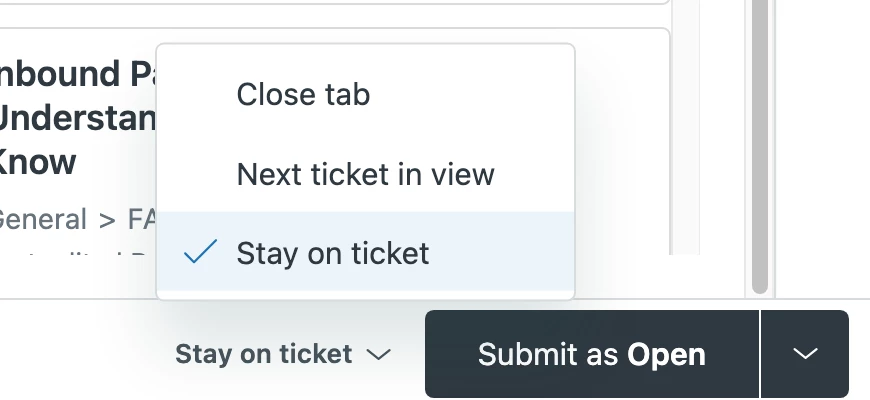
There don't appear to be keyboard shortcuts for changing the behavior of the 'Submit as' button to these different options, which would help improve workflow in many scenarios. For example, if I want to:
- Write a quick Internal note (
ctrl+alt+x) → Update as ‘Open’ (ctrl+alt+o) → <Stay on ticket> and then - (change ‘Submit as’ behavior with keyboard shortcut from ‘Stay on ticket’ to ‘Close tab’)
- Send a Public reply (
ctrl+alt+c) → Update as ‘Pending’ (ctrl+alt+p) → <Close tab>


Thank you for taking the time to provide us with your feedback. This has been logged for our PM team to review. For others who may be interested in this feature request, please add your support by upvoting this post and/or adding your use case to the comments below. Thank you again!