Up-spec your C-Sat with Mr. Smiley and Mr. Sad! | The place for Zendesk users to come together and share
Skip to main content
July 18, 2016

Up-spec your C-Sat with Mr. Smiley and Mr. Sad!

  • July 18, 2016
  • 58 replies
  • 244 views

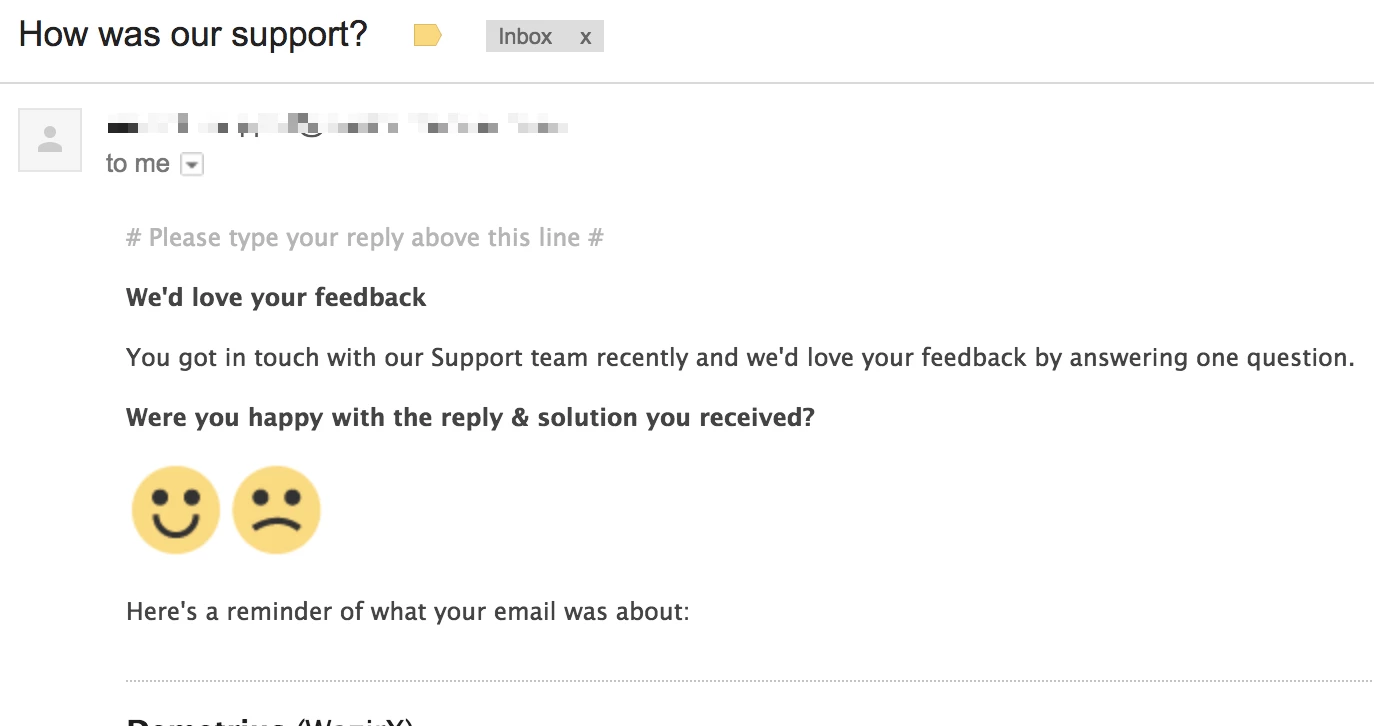
We've recently made some modifications to our C-Sat automation.


This is how the new email looks...
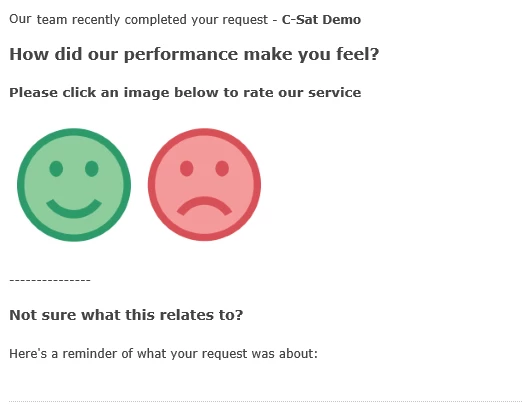
Want to know how?


  1.  If you haven't already - activate 'Customer satisfaction surveys' (info here)
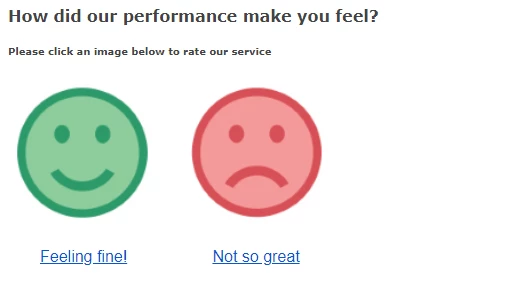
  2. Download the smileys below and upload these as assets to your helpcenter (or host them elsewhere) 

     

  3. Navigate to Settings > Automations - and locate the 'Request customer satisfaction rating' automation
  4. Select to Edit this
  5. Change the notification to requester with the info below - don't forget to substitute your image location.


<span style="padding: 0px ; line-height: 18px; font-family: 'Lucida Grande',Verdana,Arial,sans-serif; font-size: 12px; color:#444444;">

Our {{ticket.group.name}} team recently completed your request - <strong>{{ticket.title}}</strong>


<h3 style="font-size:16px;">How did our performance make you feel?</h3>

<h5>Please click an image below to rate our service</h5>

<a href="{{satisfaction.positive_rating_url}}" alt="Happy"><img src="https://p5.zdassets.com/hc/theme_assets/YOUR IMAGE LOCATION/happy-face.png"></a><a href="{{satisfaction.negative_rating_url}}" alt="Sad"><img src="https://p5.zdassets.com/hc/theme_assets/YOUR IMAGE LOCATION/sad-face.png"></a>

---------------

<h4 style="font-size:14px; font-weight:bold;">Not sure what this relates to?</h4>

Here's a reminder of what your request was about:
</span>
{{ticket.comments_formatted}}


And that's about it!  We've had good response to this.

Obviously you can modify the message and add extra rules to suit your requirements.

58 replies

Employee
July 18, 2016

Nice!

Jennifer Rowe
Product Manager
September 1, 2016

How did I miss this!? And why am I not surprised that this tip is from you!? :)

Love it. Thanks!

Andrew42Author
September 1, 2016

Thanks Jen and Jessie.

I'd really love to add a 'meh' face too... but there is no neutral c-sat option. Considered linking this to a negative - and might do yet, because if we aim to be great, 'Meh' is a total failure.

This is still working really good for us.  Getting more responses than we ever got with the original C-SAT, and the questions are really more in line with what really counts - how our customer is feeling about us.


Jennifer Rowe
Product Manager
September 2, 2016

Great to hear that responses are up, Andrew! I guess people like those smiley and frowny faces. So easy. 

September 5, 2016

Awesome stuff, Andrew! I've passed this on to our design team so we can get up our own customized version :)

Andrew42Author
September 6, 2016

Hello Andrea - long time no hear!  Thanks for your comment - it's great to get some feedback.  Let us know how yours work out.

Hey, another advantage - you don't have to translate a smile!

September 14, 2016

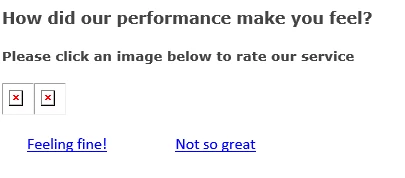
Looks great. Out of curiosity, how to do you handle cases were the user hasn't downloaded the pictures because of their email client settings?

Andrew42Author
September 14, 2016

Hello Lester,  I don't think it works well for that... got any suggestions for changes?

September 16, 2016

Sadly not. Beyond some way of showing the links in place of the images I don’t think there is an elegant solution

January 25, 2017

I love this tip! We did this of our own accord about 18 months or so back and saw an instant uptick in our response rate.