
Bug when applying updater tag to query? | The place for Zendesk users to come together and share
Skip to main content
June 22, 2022
Question

Bug when applying updater tag to query?

  • June 22, 2022
  • 8 replies
  • 30 views

Hello Team,

I've found a strange bug when I try to filter my results down further, the SUM on the end column is calculating the numbers fine with the current query: 
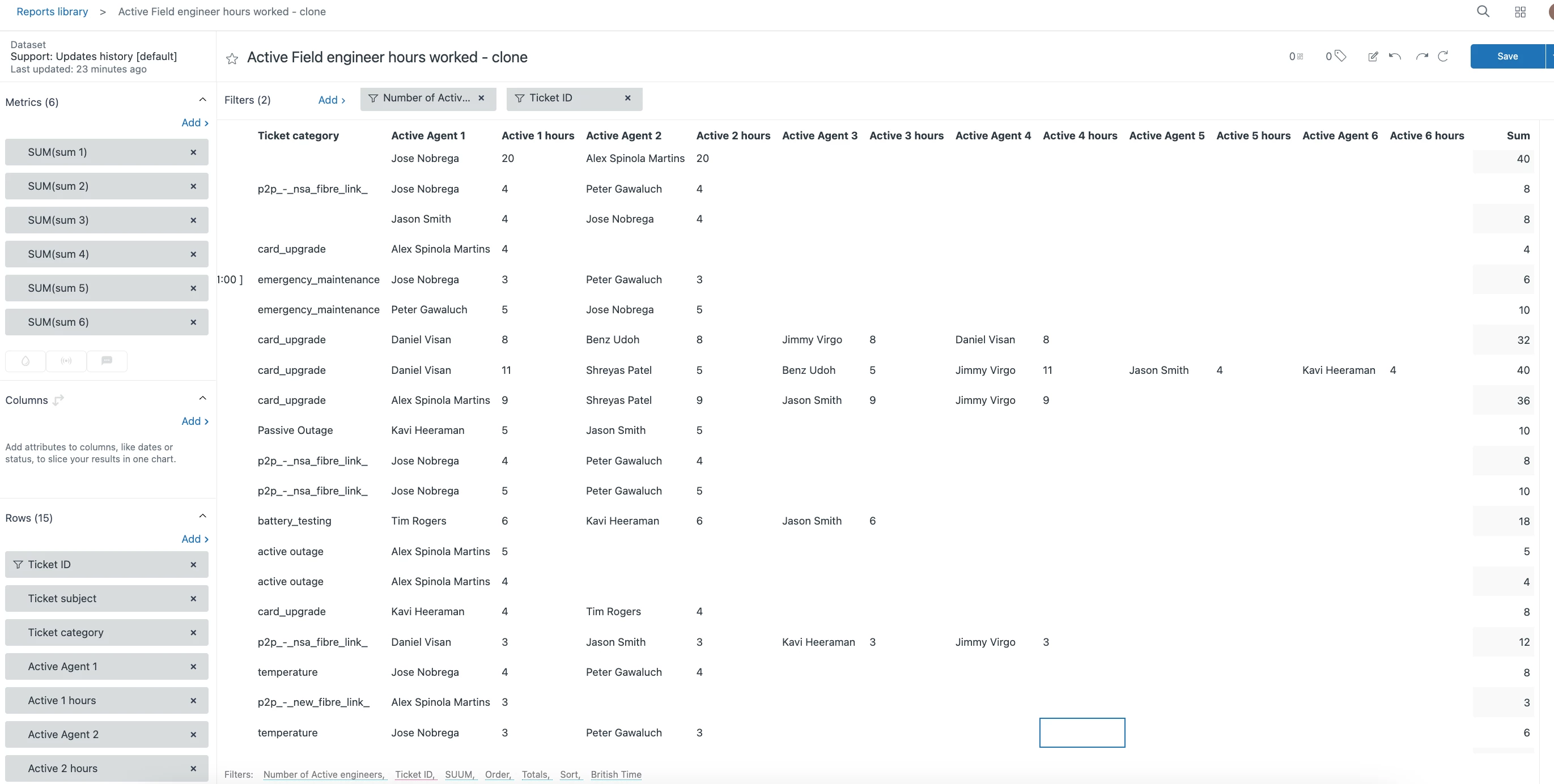
 

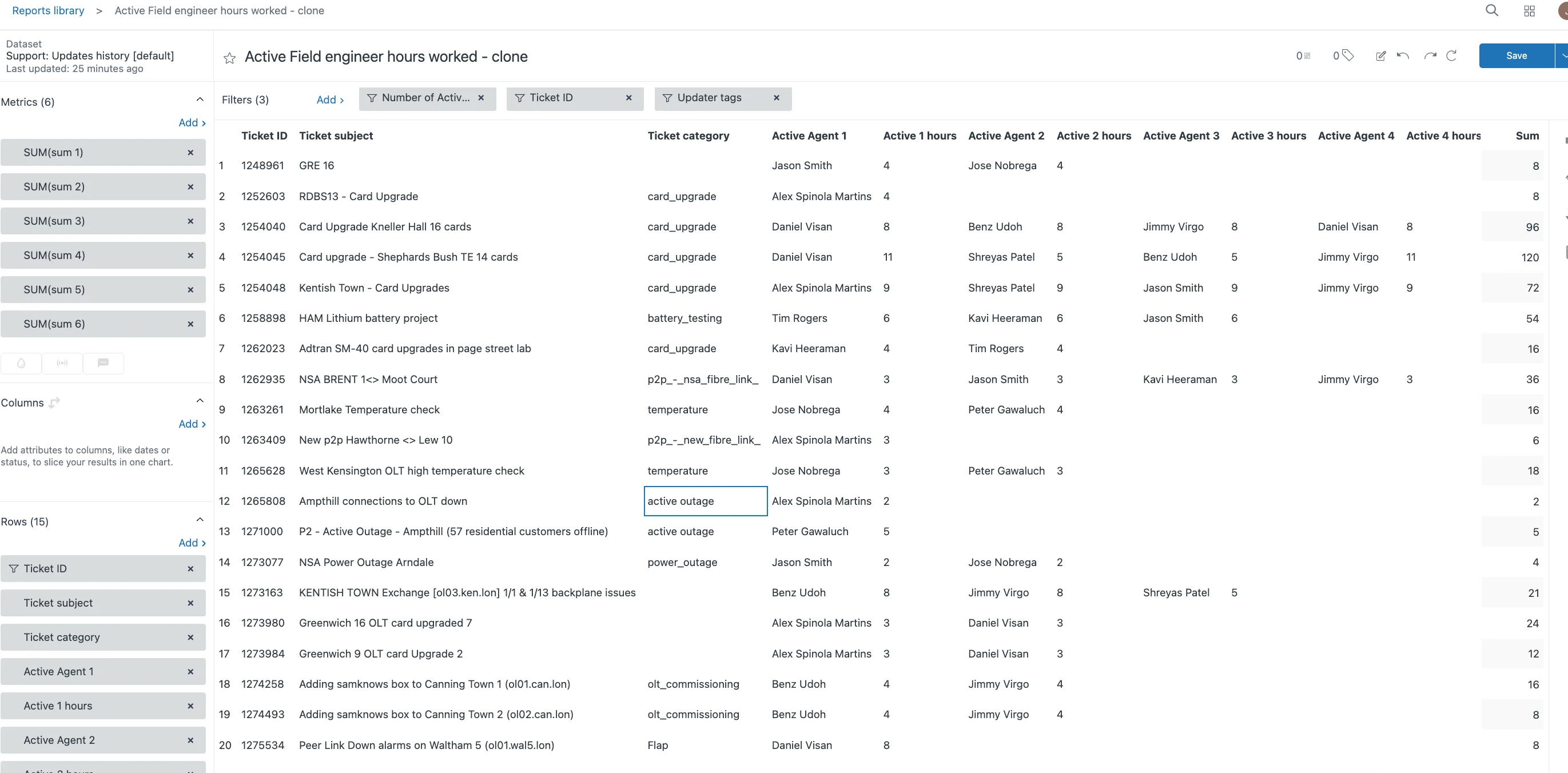
However when I try to filter my results down further by adding an updater tag I then get these numbers which make no sense:
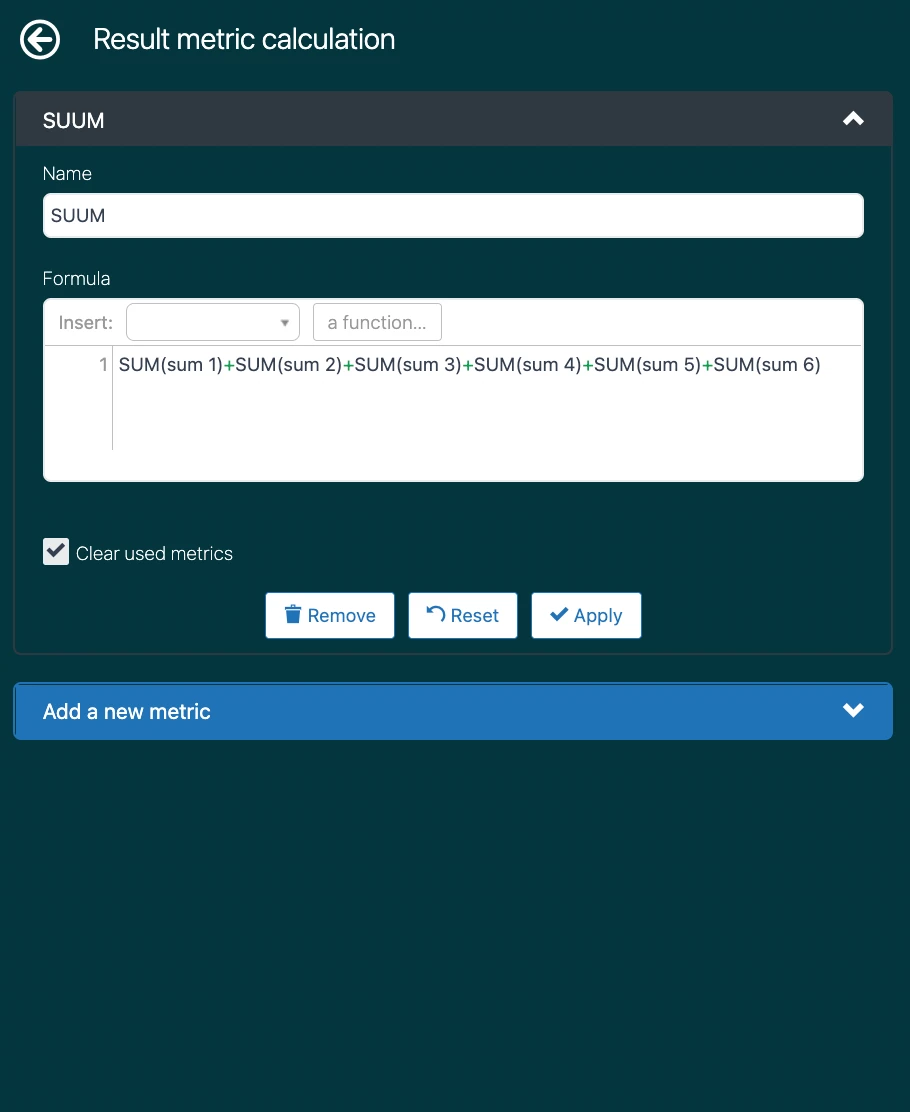
The Metric path calculating i'm using is this:
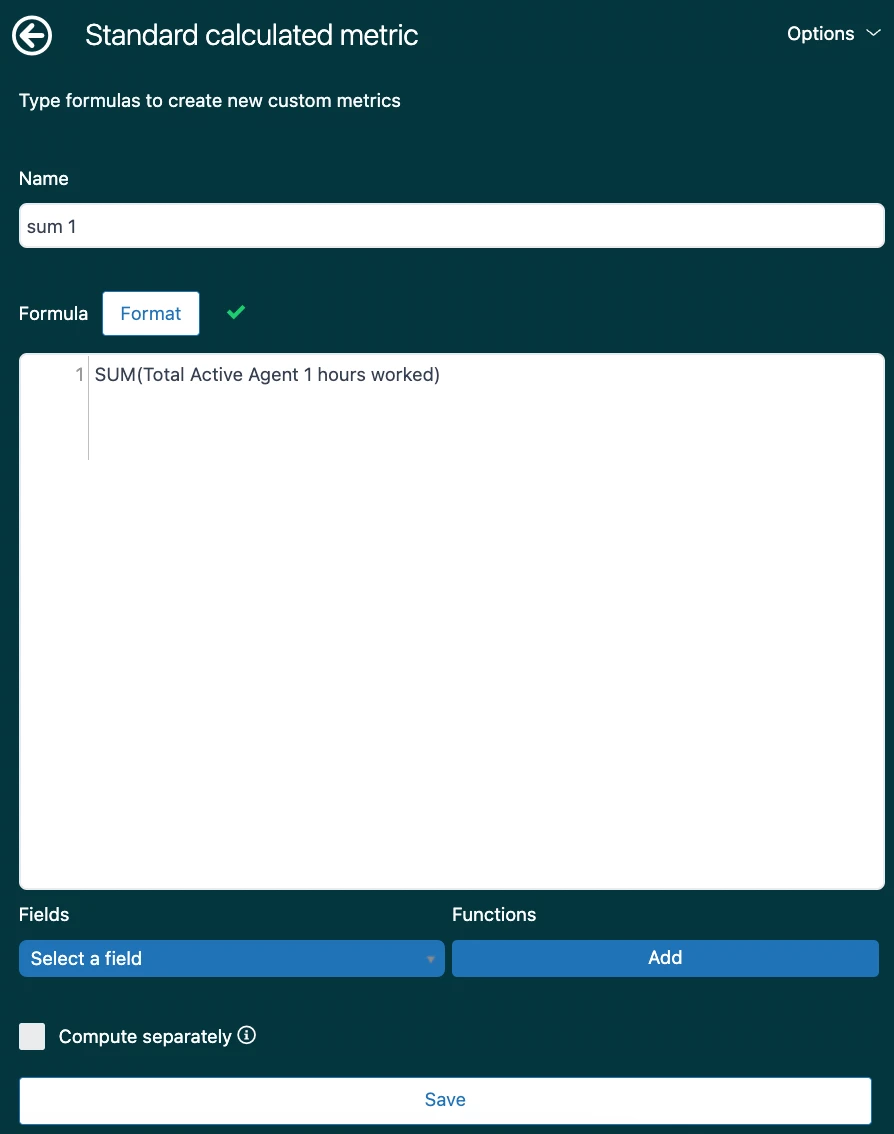
Each sum path looks like this:
 

Any other filter I add on doesn't do this to the numbers including updater name etc only updater tag.

    8 replies

    ZZ59
    June 23, 2022

    Jack

    Ticket and Users can have multiple tags. It is likely that your output is reflecting that.

    To filter by a tag, you need to create a custom attribute to check if the tag is included. So you cannot use a filter on the tag as you would with, say, a Ticket ID.

    Instructions are here.

    Jack12Author
    June 24, 2022

    @zz59

    Doesn't seem to be working for some reason :s

    Field I'm reporting on:

    Calculated attribute:

    Results are not pulling any ticket ID's:

    Even when excluding NULL values:


    Any ideas at all please? 

    ZZ59
    June 24, 2022

    Jack

    Lets try adding the [Changes- Field Name] and [Update - Timestamp] to the body of our report.

    It may also be worth creating a new attribute for the DATEDIFF(...) formula and adding that too.

    That way we can see exactly what is going on.

    Jack12Author
    June 24, 2022

    @zz59 Thanks for the response. 

    So the Date Diff looks like its capturing the ticket ID's but for all ticket fields not the ones we specifically told it too..

    I added this Date diff query as well:

    ZZ59
    June 24, 2022

    Jack

    So it looks like the DATE_DIFF condition is working as the DATE DIFF attribute is returning the expected results.

    Try adding a further new attribute to check we are finding the custom field.

    IF [Changes - Field name] = "Number of Active engineers"
    THEN [Ticket ID] 
    ENDIF

    Ensure that there are no spaces at the beginning or end of the custom field name in the Admin Centre where you define the field.

    Jack12Author
    June 24, 2022

    @zz59


    Still not working unfortunately, even tried different custom fields with the same result. 

    ZZ59
    June 25, 2022

    Sorry, Jack. I am at a bit of a loss. At least you know the problem is with the condition on the custom field and nothing else. You may have to reach out to Zendesk using the support chat.  

    ZZ59
    June 25, 2022

    Jack

    How about using brackets. It works for me without them, but try…

    IF ( [Changes - Field name] = "Number of Active engineers" )
    THEN [Ticket ID] 
    ENDIF