
Filter of customer metric | The place for Zendesk users to come together and share
Skip to main content
Adar11
April 15, 2022
Question

Filter of customer metric

  • April 15, 2022
  • 2 replies
  • 26 views

I have a custom metric that COUNT the number of comments for a specific agent on a ticket's topic (custom field)
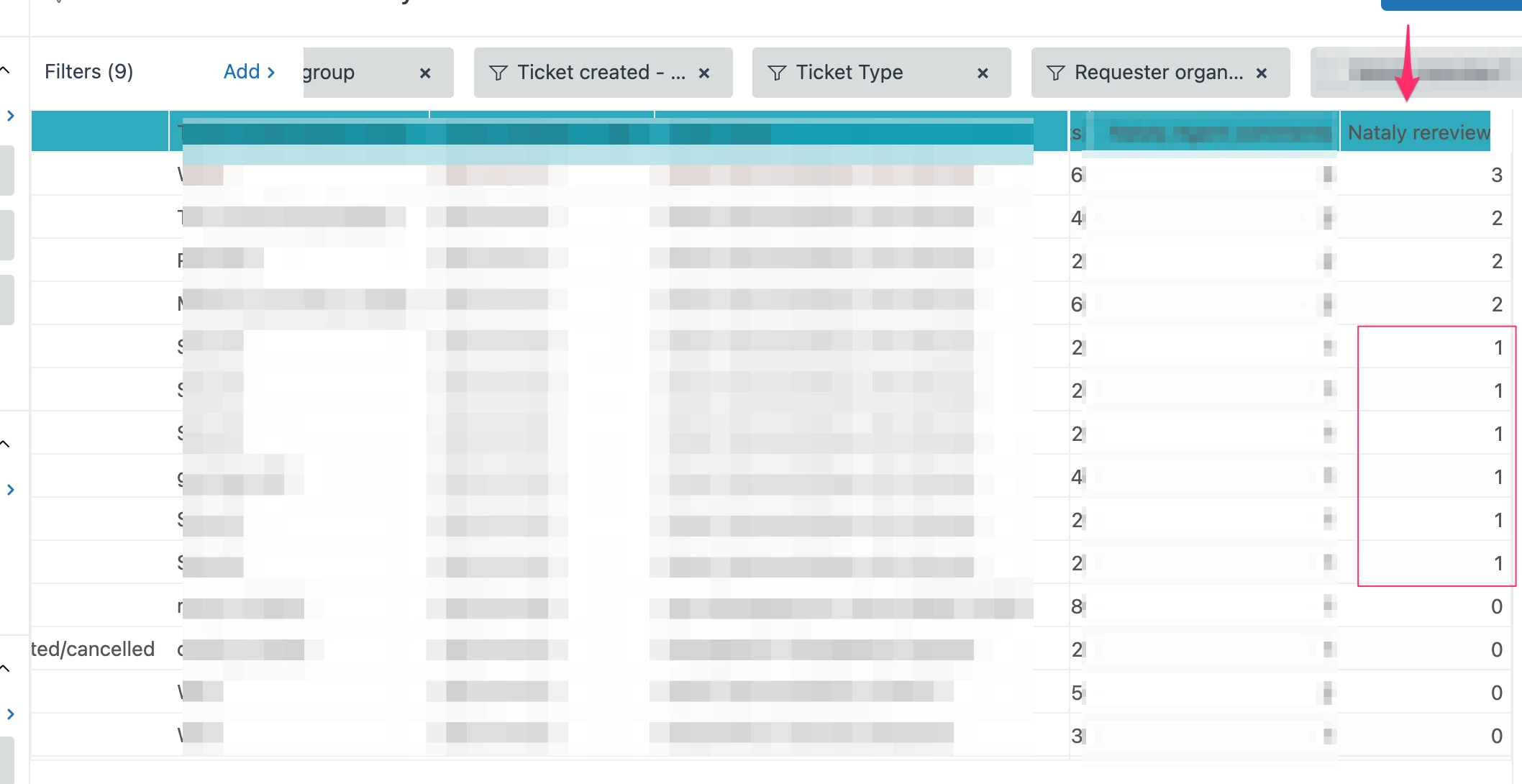
I need to filter out when the count is 1 (and leave 0 and >1). 

How do I go about it? 

I try creating a metric attribute true/false based on that custom metric (if custom metric = 1 True/else false) but for some reason, everything is FALSE.

This is the metric;
IF ([Comment present] = TRUE AND [Updater role] != "End-user" AND [Updater name] = "agent name" AND [Ticket Type] = "spam"
)   
THEN [Update ID]  
ENDIF"

Is there a way to easily remove all 1 forum a column 
    2 replies

    CJ95
    April 15, 2022

    You might be able to achieve this with a Result Metric Calculation. 
    You would want to just set it up for your custom formula, instead of Unsolved Tickets, in my example below. 

    What I did, is create a new calculation with this: 
    IF COUNT(Unsolved tickets)<1 
    OR
     COUNT(Unsolved tickets)>1
    THEN
     COUNT(Unsolved tickets)
    ELSE
    NULL
    ENDIF


     The result is a new column, just like my old one, but without any 1's: 


    I then selected to "Clear Used Metrics" in the Result Metric Calculation window, which hides the original column with the 1's still in it, and only shows the new one. 

    Adar11
    Adar11Author
    April 18, 2022

    Thank you very much CJ! This is very helpful. 

    A follow-up question - how do I filter out the rows with NULL? 
    I am not able to filter it by the "metric filter" as it is not a matric. 
    Any suggestions?