
How to keep chat widget collapsed even when an agent is online? | The place for Zendesk users to come together and share
Skip to main content
February 26, 2021
Question

How to keep chat widget collapsed even when an agent is online?

  • February 26, 2021
  • 2 replies
  • 31 views

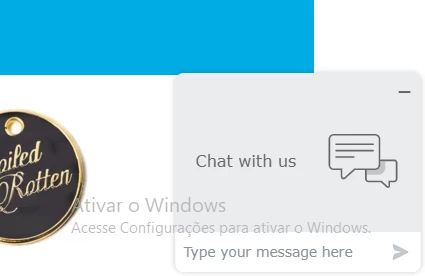
Is there a way to make sure the widget stays collapsed/minimized regardless if there is an agent online or not?

We already have many widgets on the site such as accessibility and wishlists being in a fixed position and we need the chat/help to be as discrete as possible.

    This topic has been closed for replies.

    2 replies

    Kyle25
    March 3, 2021

    Do you have any triggers set up in your Chat > Settings > Triggers section? 

    Before I manually created a trigger to open the chat widget after x amount of time, it stayed closed regardless if there were any agents online or not. The only difference being the button said Support or Chat depending on availability. 

    Phoebe13
    Employee
    March 17, 2021

    Hi Lucas,

    I understand that you wish to make the chat widget minimized by default, this should be possible when you disable the chat badge from Chat Dashboard >> Settings >> Widget >> Appearance >> Chat Badge. Once the changes are saved you can try using a new incognito window to check your website and the widget should now show up minimized.

    Hope this helps. Let us know how it goes.

    Phoebe Morin | Senior Customer Advocate