

We have multiple Brands with two product pages that can access Zendesk directly via the web/messaging widget. We use a standard SSO with email address as the identifier. As our help center is restricted, for end users to receive article suggestions and authenticate when creating, we require JWT authentication which requires an external_id. Although Zendesk discourages, we used email as the external_id.
With over 600k end users, many inactive, we needed a way to update activate users and new users with the external_id. Action Builder can make decisions based on ticket and also user events - one Flow on new user creates and another when a user logs in.
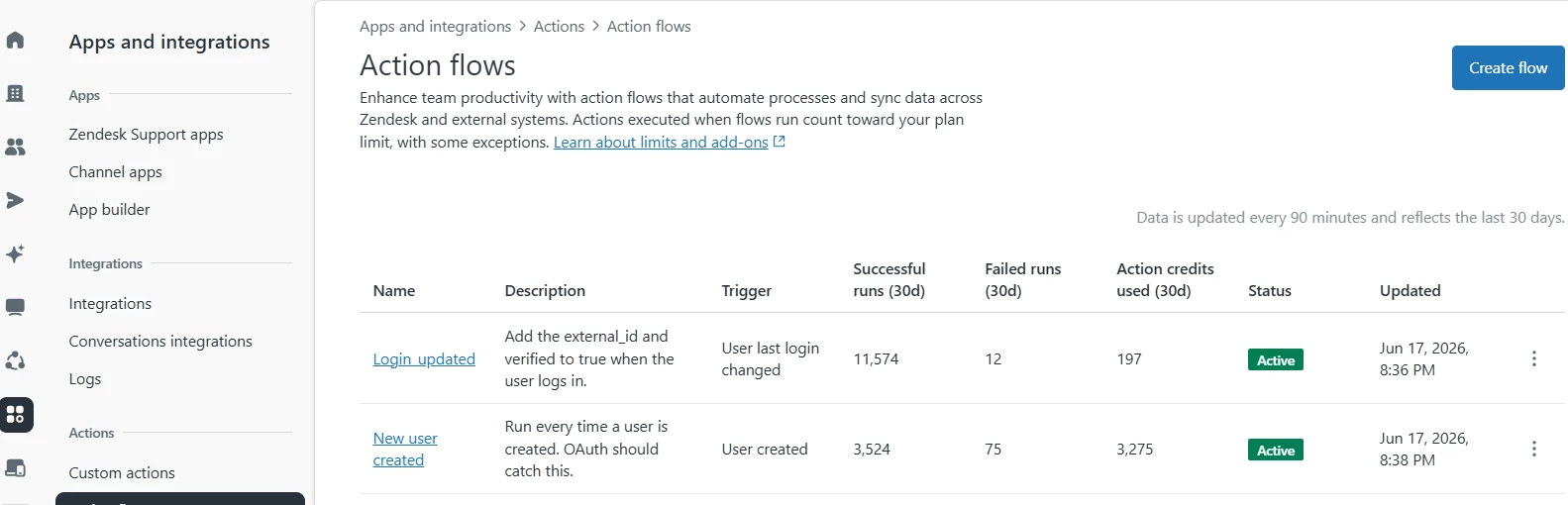
Creating an action Flow is easy:
- Create a connection to your help center. While API token is simple, Zendesk is moving away so might as well create OAuth.
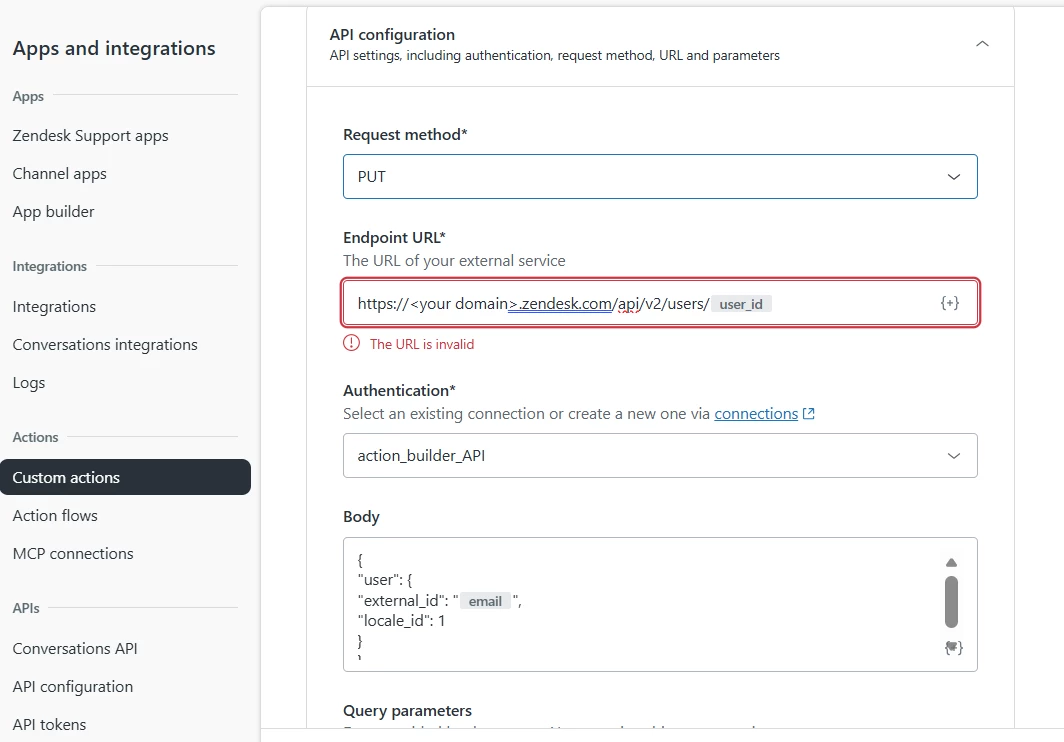
- Under custom actions, create a PUT request (for either, as it’s an update) to your connection. I pass user id (for the actual request) and email (to update the external_id). Since we only use US locale, I also default that as well.
- Create the actual action flow. I created the two (new user and login update), where both use the custom action above (the branch just ensures email is present).
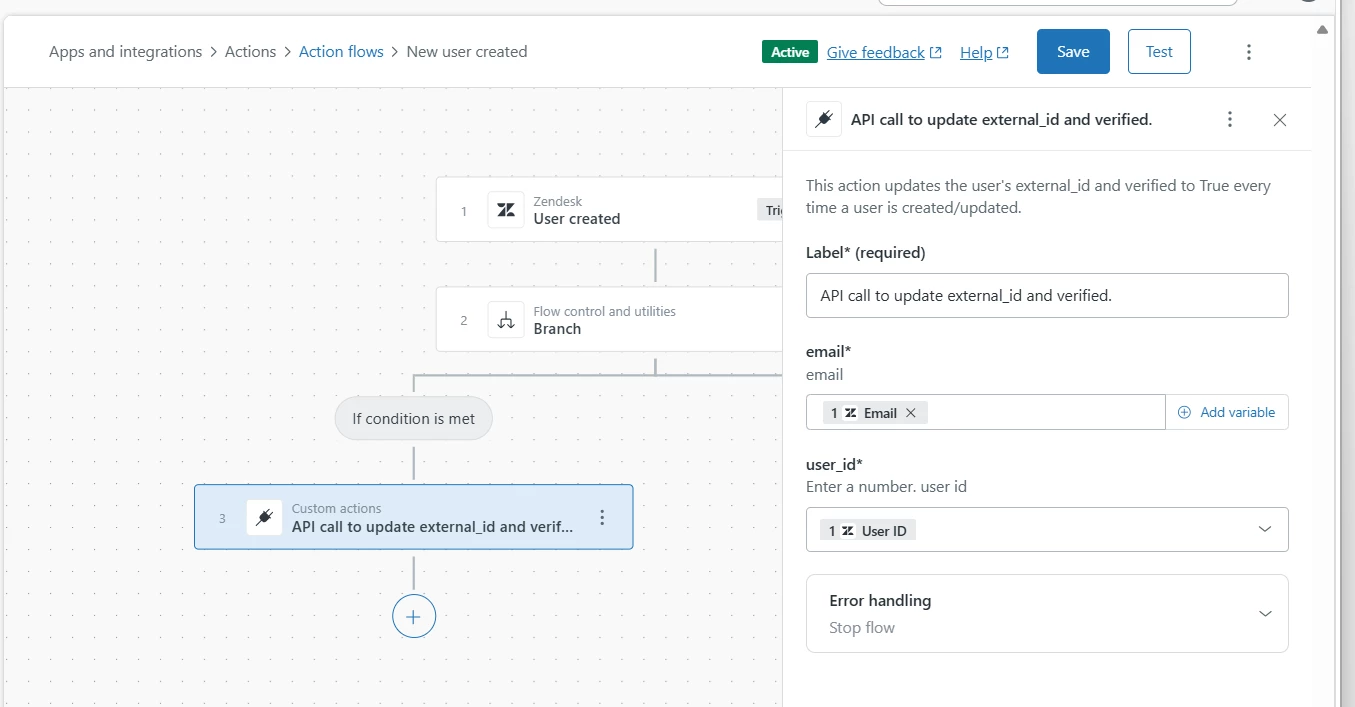
These two action flows ensure users have their external_id associated so they can search and access articles as well as create tickets without an additional sign-on.