
Please give a quick overview of your product feature request or feedback and note who in your org is affected by this issue [ex. agents, admins, customers, etc.]. (2–3 sentences)
We serve a multilingual customer base (English and Chinese), and recently began testing Zendesk Talk’s callback feature during our internal rollout. We discovered that once a customer selects the callback option, a fixed system-generated prompt is played, which cannot be modified, skipped, or localized. This creates confusion for non-English-speaking customers and disrupts the overall call flow.
What problem do you see this solving? (1–2 sentences)
This request would solve the problem of language inconsistency in the callback experience. It would also allow businesses to control and customize what the caller hears, maintaining a seamless multilingual journey.
When was the last time you were affected by this lack of functionality, or specific tool? What happened? How often does this problem occur and how does this impact your business? (3–4 sentences)
This issue was identified during our internal testing phase while evaluating whether to enable the callback feature for live customers. After a caller presses ‘2’ to request a callback, the system automatically plays the following uneditable English-only prompt:
“If you prefer to receive a callback at this number, press 1. If you prefer a callback at a different number, press 2.”
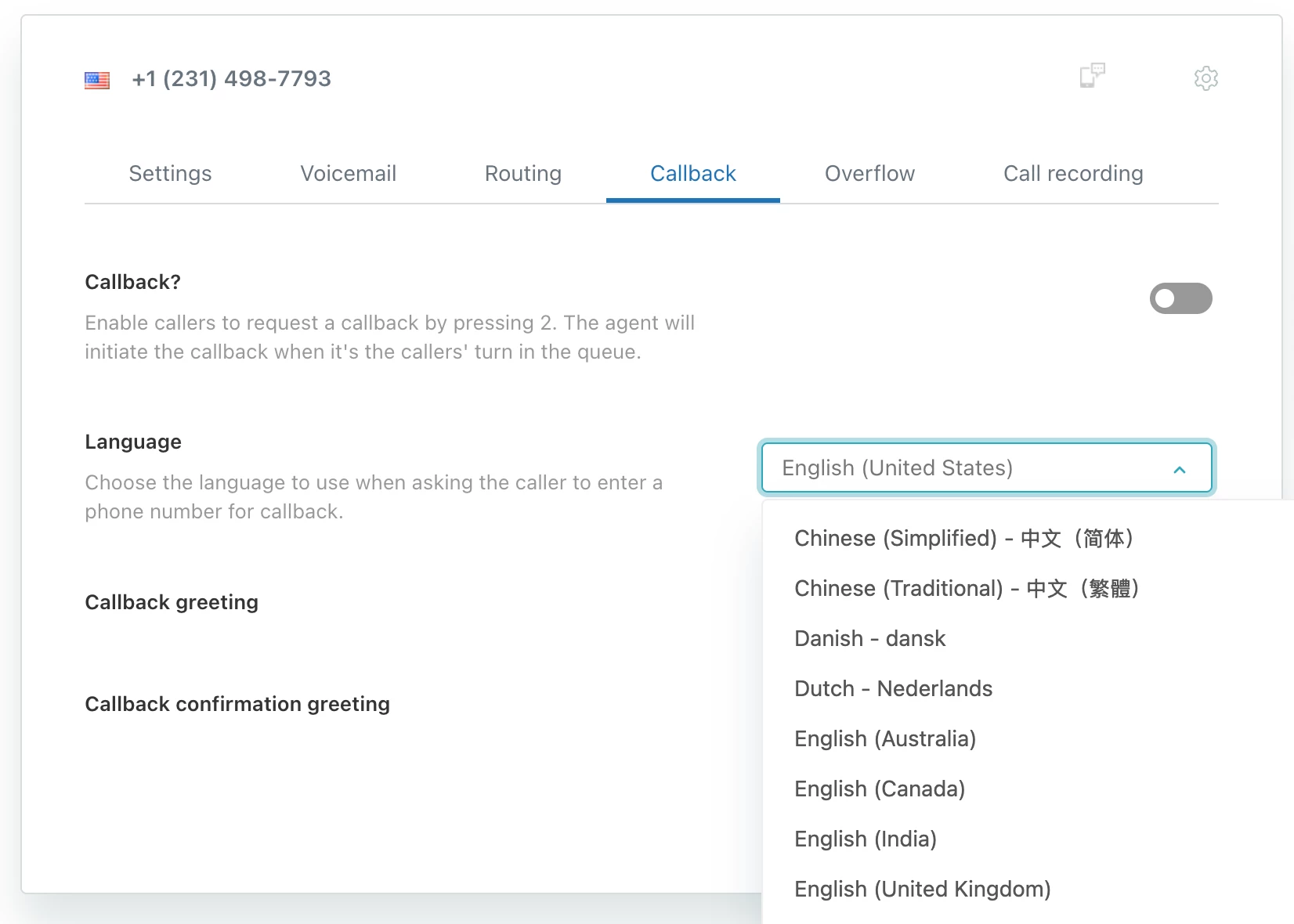
Even though our IVR allows customers to choose a language (e.g., Chinese or English) at the start of the call, the system still plays this prompt in only one fixed language — the default language set for that Talk line. Zendesk product support confirmed that this message is not included in the “Callback greeting” or “Callback confirmation greeting” settings found under Admin Center > Talk > Lines > Callback. As a result, we have no way to customize, translate, or skip this message.
Are you currently using a workaround to solve this problem? (If yes, please explain) (1–2 sentences)
No, there is currently no workaround. The system-generated prompt is mandatory and cannot be controlled through the IVR or callback configuration settings.
What would be your ideal solution to this problem? How would it work or function? (1–2 sentences)
Ideally, Zendesk should provide the ability to disable or customize this specific prompt, including the ability to enforce callback to the caller’s number only. Longer-term, we suggest treating the callback flow as a configurable IVR branch, so it can follow the same language logic and prompt customization as the rest of the menu.







Thank you for taking the time to provide us with your feedback. This has been logged for our PM team to review. For others who may be interested in this feature request, please add your support by upvoting this post and/or adding your use case to the comments below. Thank you again!