
Copying Documentation to Conversation | The place for Zendesk users to come together and share
Skip to main content
June 7, 2023
Feedback submitted

Copying Documentation to Conversation

Related products:Support
  • June 7, 2023
  • 4 replies
  • 32 views

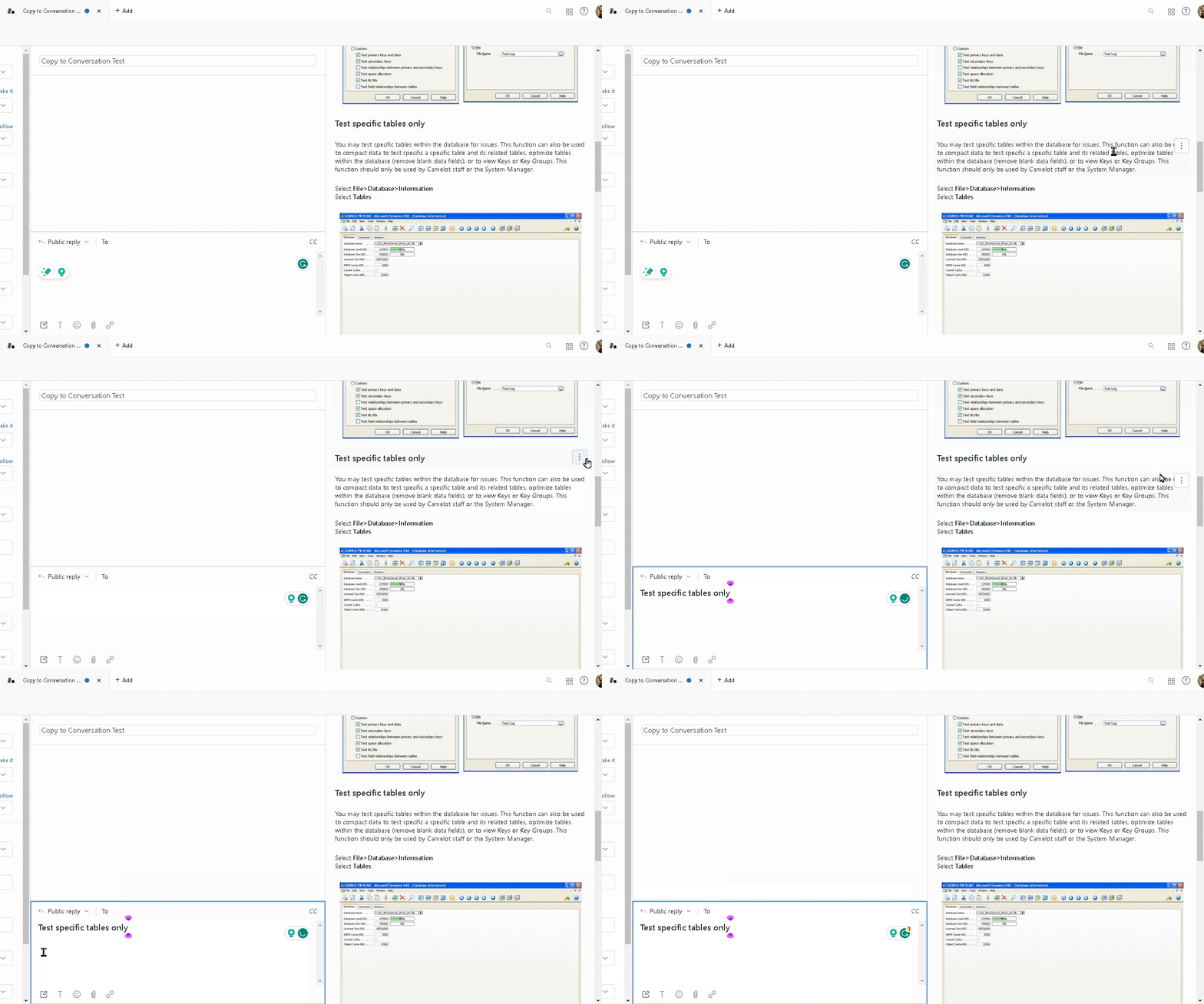
I've found that when I'm trying to copy a section of an article from the knowledge base and I select the Copy to Conversation option, instead of copying the entire section, it only copies the header and not the underlying information. Is there a way to change this so that I can copy the full section of an article instead of only copying the header or sending the full article?
 

    4 replies

    Employee
    June 17, 2023
    Hello Jack, 
     
    Thank you for patiently waiting. Apologies for the delay here as we are getting a high volume of tickets these days. Rest assured that we are working on this diligently to assist you and our customers. 
     
    The Copy to conversation option will let you copy the one you hover (highlighted) but not the entire content. For example, the if you hover over the Title of that article. But if you want to copy the content part of the article, hover over beside that content and then click Copy to conversation


    Otherwise, there's no way to copy the full section of the article, but only the article link. To copy the link, click the clip icon on top of the article title: 

     
    You can learn more about this in this article: Searching and linking articles using the Knowledge Capture app. Thanks!  
     
    Jack17Author
    June 19, 2023

    In which case, I'd have to copy each sub-piece of the section one at a time to get the whole entire section. I got it. Irksome, but I got it. 

    Betty12
    January 4, 2024

    We use internal documentation via the help center. There are some articles that we use to pull common replies not yet created as Macros, so the "Copy Conversation" feature is great, but it only allows for us to copy one sentence/paragraph at a time. I understand that we cannot copy the entire section, but is there a way to edit the code to do this? Or is this not available at all?

    Shawna James
    Community Manager
    January 5, 2024
    Hey Betty thanks so much for your question here. Tagging Rosie Balagbis here to help answer your question. I want to confirm that this feedback has been logged for our PM team to review. Thank you again!