

Description:
As a B2B Professional Services provider, we face a significant challenge in managing the extensive information required from our customers. The work we deliver necessitates customers to complete numerous forms when starting a new service and at regular intervals thereafter. These services are managed across various systems, including Laboratory Information Management, Audit Management, Scheduling Systems, third-party proprietary systems, and manual spreadsheets. The redundancy in information required across these forms is a major pain point for our customers.
Request:
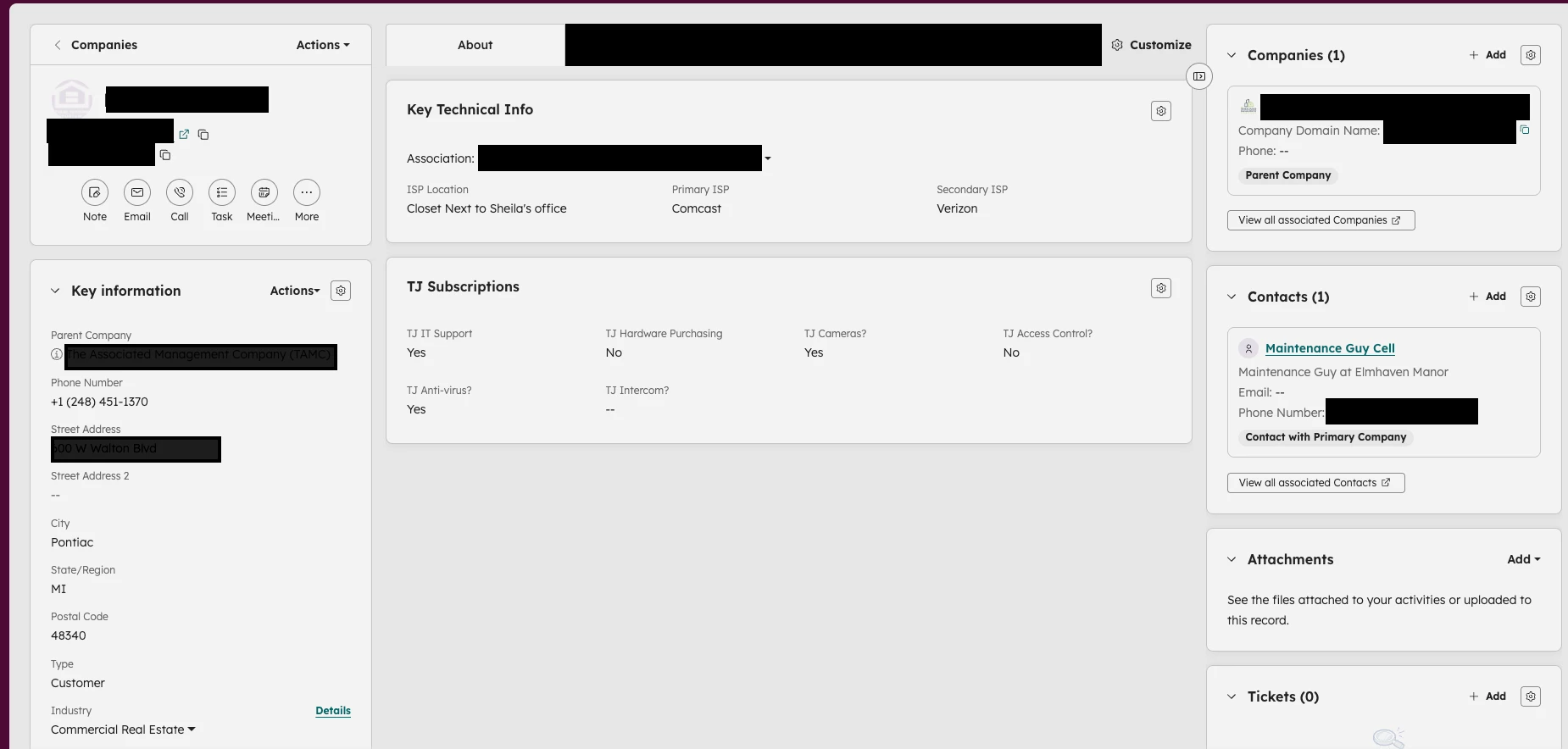
We propose the development of an advanced "Profile Management" feature for Organizations, Sub-Organizations (child sites or departments), and Contacts. This feature should include the following capabilities:
-
Profile Records:
- Each organization and contact should have a "Profile" record where all relevant information is stored.
- Administrators should be able have control over adding fields, with support for all current custom field types and the ability to create relationship and repeating fields.
-
Fields:
- Fields options with the ability to select multiple existing records (Such as contacts with delegated authority for specific tasks or procedures).
- Option to add new end-users if they do not already exist and select existing contacts from linked organizations.
- Repeating Fields - so users can enter lists of information such as different product names.
- Like Ticket forms, the fields should have an internal label and an end-user label along with descriptions.
- Document upload fields should be available and be able to be linked to different storage locations such as SharePoint or Azure blob.
-
Custom Forms:
- Create specific forms for various purposes, designing the layout by selecting only the necessary fields.
- Form logic capability must be included so that certain fields can be shown/hidden/required based on previous answers.
- Forms should inherit the design and CSS from the help centre.
- Link directly to forms for new applicants or as a "review" for authorized users to verify and update existing data.
- Ability to link to these forms in an article
- Ability to embed the forms in an article
-
Audit Log:
- An audit log or field flag to identify updated fields during the review process, allowing technical specialists to review and implement necessary changes.
-
Drafts and Collaboration:
- Enable users to start a form, save progress, and send a link to colleagues for completion of missing data.
-
Help Center Access:
- Authorized end-users should be able to view and update the organization profile via the help center, with changes flagged for review and potentially creating a ticket.
-
Permissions Management:
- Agents should be able to designate specific end-users as "Form Owners" with access to the organization profile.
- End-Users that are linked to an organisation should be able to see a list of all the different organisation forms and initiate completing it, they would become the “form owner”.
- End-users should be able to see the contact forms.
- Each form should have an “audience” or “visible to” setting similar to articles in the help centre so that only relevant forms can be shown to users.
- Only individuals linked to the organization's "family tree" should be selectable.
- Form Owners should manage access permissions for others within their organization tree.
-
Review Periods and Automation:
- Set a "last reviewed" date and review period for each form.
- Trigger/automation options to create tickets when the review period elapses, including a link for the form owner and other authorized users to review the data.
-
Consolidated Forms:
- Option for customers to review a single consolidated form instead of multiple individual forms. (as opposed to the entire profile which may include hundreds of fields that are not relevant to them.
-
Digital Signature Integration:
- Support for legally binding digital signatures (e.g., DocuSign) for forms requiring signatures, such as credit applications and contracts.
Benefits:
- Streamlined information management for customers, reducing redundancy and improving efficiency.
- Enhanced customer satisfaction by minimizing the repetitive completion of forms.
- Improved data accuracy and consistency across all systems.
- Better process management and compliance through audit logs and review mechanisms.
- Increased collaboration and flexibility in form completion and updates.
Use Case:
A customer starts a new service and needs to provide extensive information. By using the advanced Profile Management feature, they can complete a single form with all necessary details, which is then stored in their profile. When the information needs to be updated, they can review and confirm the existing data, with any changes flagged for review by a technical specialist. This reduces the burden on the customer and ensures accurate and up-to-date information is maintained.



Thank you for taking the time to provide us with your feedback. This has been logged for our PM team to review. For others who may be interested in this feature request, please add your support by upvoting this post and/or adding your use case to the comments below. Thank you again!