Hello,
Does anyone know how to add a "create a ticket" button in the top menu of the help center that adresses to the ticket form ?
Thanks

Hi, Miguel. Our developers can help you to customize your help center with a big pleasure, add the button, and much more. You can visit our website and contact GrowthDot company.
@Miguel Ontour, you have already this link, only need to add the text.
I'm using the default Copenhagen Theme.
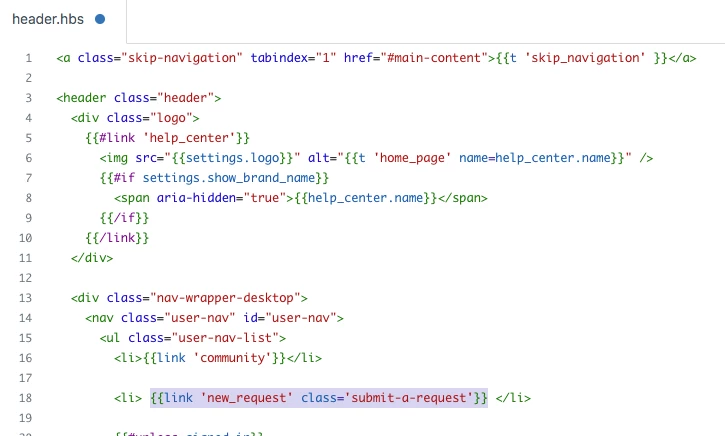
Deafult Helper:
{{link 'new_request' class='submit-a-request'}}
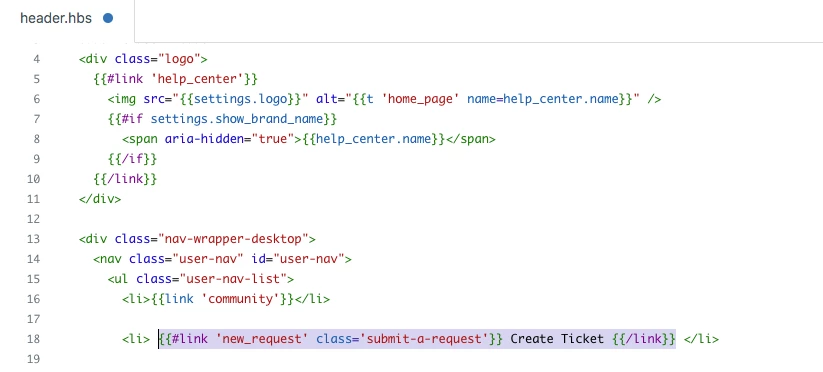
After doing an update:
{{#link 'new_request' class='submit-a-request'}} Create Ticket {{/link}}
Team
Hi Ifra,
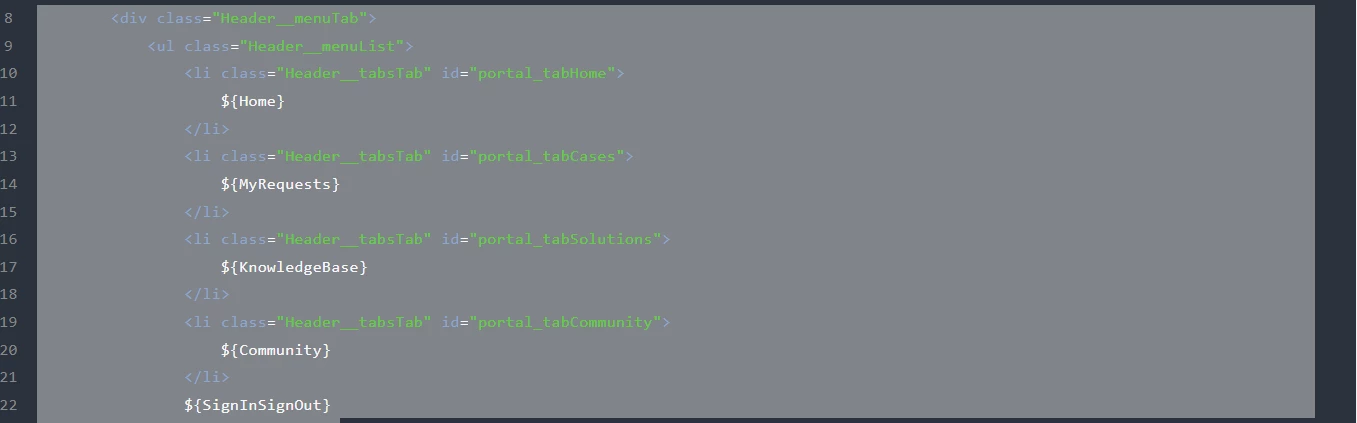
I thank you for your comment. I'm using the "Elegant" theme and it seems to be a bit different that yours, I don't find where to insert the code:
Do you have any idea about how to do this ?
Thanks in advance,
Miguel
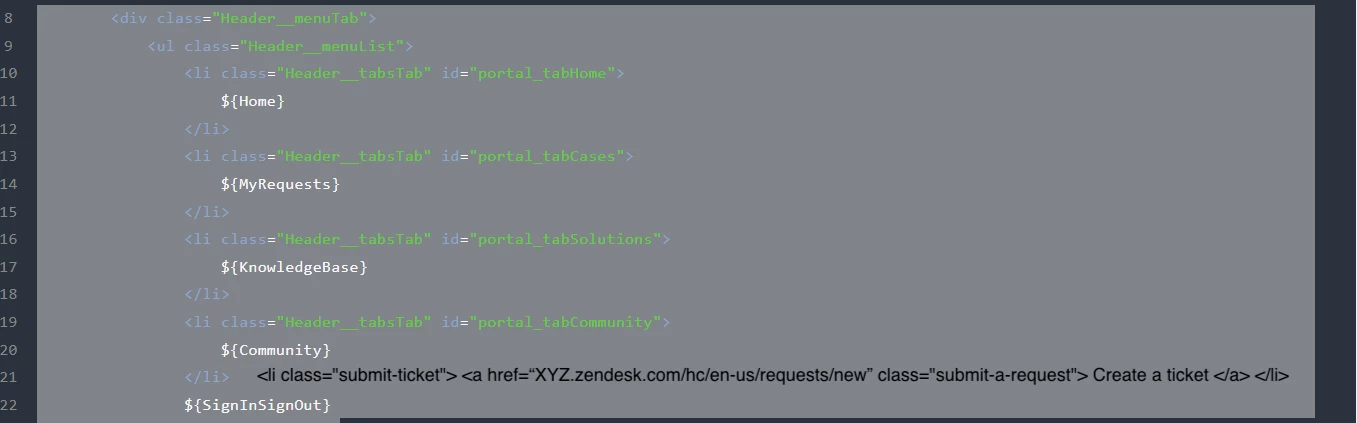
Okay, I can't see all code and structure of your theme so try this.
<li class="submit-ticket"> <a href="ADD THE URL OR YOUR NEW TICKET PAGE" class="submit-a-request"> Create a ticket </a> </li>e.g. href= "XYZ.zendesk.com/hc/en-us/requests/new"
Already have an account? Login
No account yet? Create an account
Enter your E-mail address. We'll send you an e-mail with instructions to reset your password.
Sorry, we're still checking this file's contents to make sure it's safe to download. Please try again in a few minutes.
Sorry, our virus scanner detected that this file isn't safe to download.