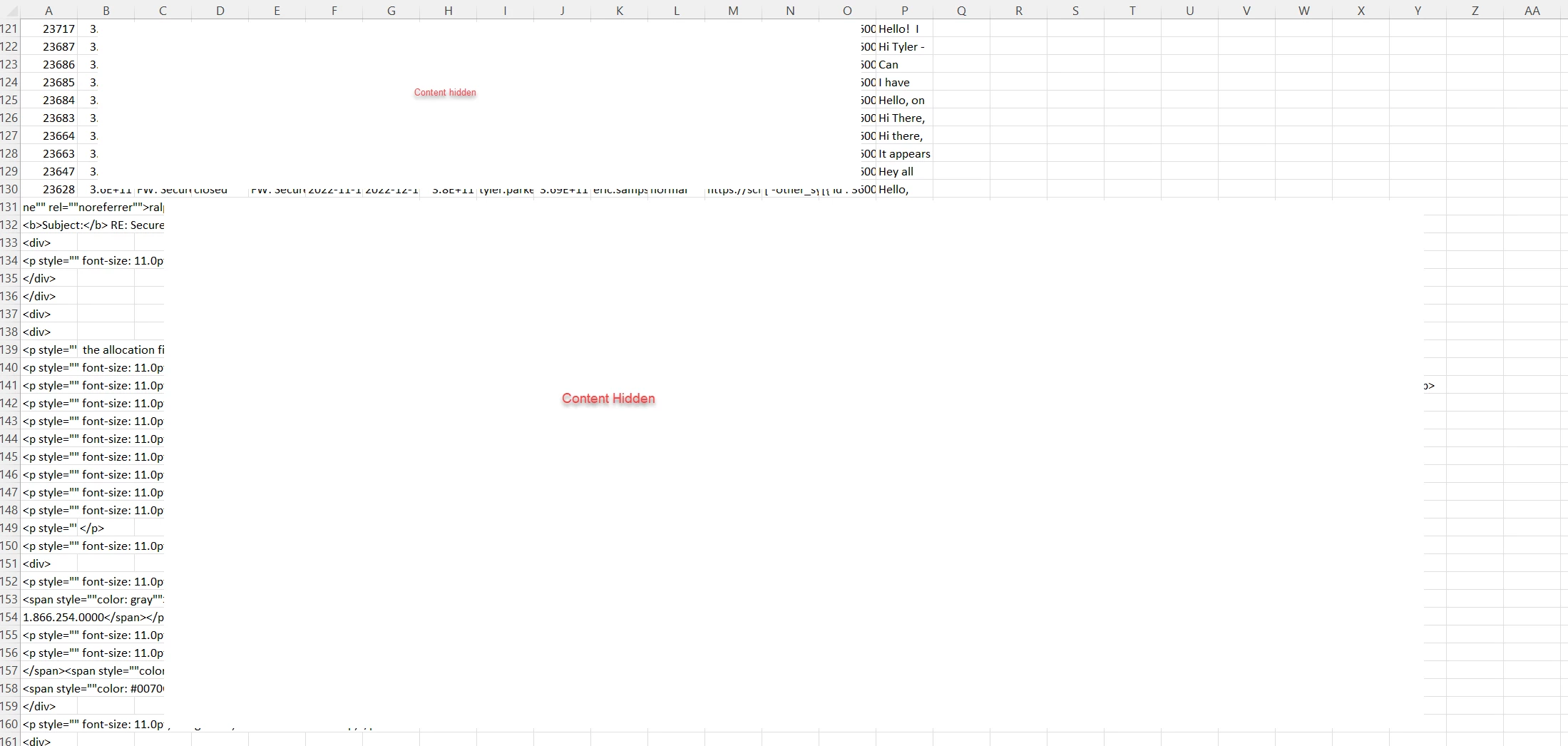
I am using a Python script that exports (to CSV) a set of tickets using the Search API (/v2/search.json). In my script, I'm also making a call to get all ticket comments and combine into a single field (/v2/tickets/{ticket_id}/comments.json.
For the majority of the tickets/comments, everything exports as it should and all comments combine, but it looks like that if a ticket has a quite large amount of comments, when exported to CSV, it overflows to multiple lines below the ticket and makes the ticket data unusable. I've included a screenshot (with some content hidden) to give you an idea of what is happening. I have tried getting the comments by using 'body' & 'html_body', but it doesn't make a difference.
Any thoughts on this? Is there a limitation in how many characters can be included in Excel and/or a CSV column?