The title of the chat widget can be set directly in admin center. Select channels on the left, then messaging. Click the specific widget you're looking to update, then select the style tab where you'll find the title field.
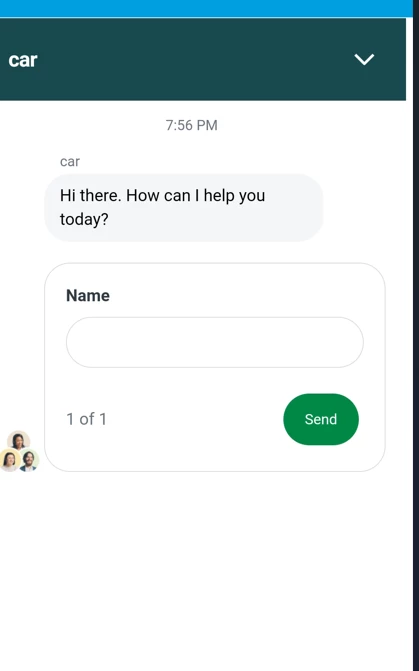
Yes you should be able to access chat/messaging in a trial account. What reply are you seeing in the messaging interface when you fill out the name field? And what are you seeing in the support interface once the field has been completed i.e is there a notification saying a conversation is in queue?
Here's a link to an article that might be helpful with making sure everything is correctly configured in your account, as well:
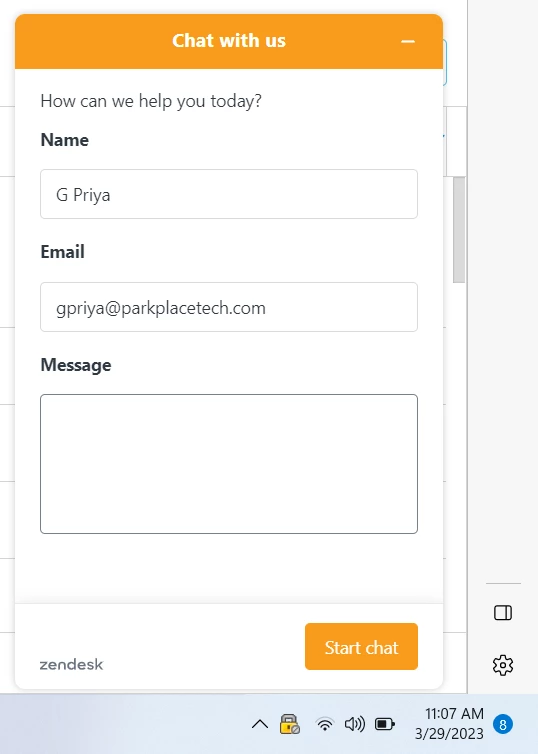
For some reason, The Chat bot in my web app displays pre-filled entries with Name and MailId like below,
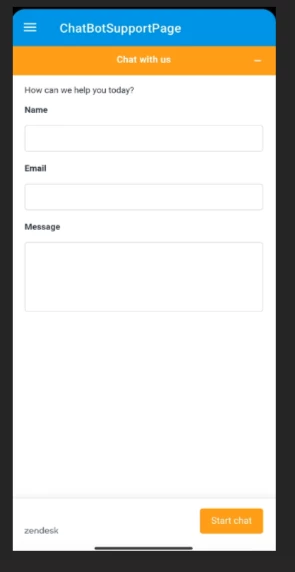
But in my mobile app, those entries are blank. Actually, i need pre-filled entries for Name and Mail Id in my mobile app as well. I'm using same account for both mobile and web application.
Why is this happening? Do we need to update any fields for mobile specific configuration?



Here's a link to an article that might be helpful with making sure everything is correctly configured in your account, as well:
Getting started with messaging for web and mobile