
Hi Zendesk team,
Since the Chrome 142 update, our custom Zendesk app has stopped working. It embeds an iframe that loads an internal tool (passing the ticket id), which displays related customer information next to the current ticket. While the iframe URL uses a DNS name, the subdomain ultimately resolves to a private subnet within our network.
Chrome 142 now enforces Local Network Access (LNA) restrictions by default, requiring embedded iframes to explicitly include a permissions policy allowing local network access. Without this flag, requests to internal resources are blocked.
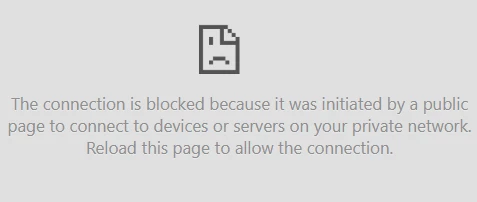
This change is currently being rolled out gradually, so we expect that many other Zendesk customers using similar internal integrations may soon be affected as well. For a short time, Chrome still provides a temporary configuration flag “Local Network Access Checks” that allows disabling this restriction, but Google has announced that this option will be removed in a future release, making the enforcement permanent.
Reference: Google’s documentation on LNA ("How can I make local network requests from inside an iframe?")
We can add the following permission policy to the iframe inside our app’s HTML:
<iframe src="https://link-to-our-backend" allow="local-network-access"></iframe>
However, this alone is not sufficient. Because Zendesk itself embeds our app’s HTML inside another iframe, the top-level embedding iframe also needs to include the same allow="local-network-access" parameter. Without this, Chrome will still block requests to internal network resources.
We’d like to ask Zendesk to add this parameter to the iframe that hosts apps - either by including it by default or by allowing app developers to enable it explicitly through a configuration option in the app's manifest.json file.
Thanks!
Zane



We apologize for the delay in responding to your community post. Upon checking, it appears that this concern has already been addressed through one of your support tickets. Thank you for your patience.
For future issues, we recommend submitting a support ticket rather than posting in the community for a quicker response, as there can sometimes be delays in replies on the community page.
Have a good one!