Code for opening a ticket in the same browser tab | The place for Zendesk users to come together and share
Skip to main content
Solved

Code for opening a ticket in the same browser tab

  • April 22, 2025
  • 3 replies
  • 98 views

Hi,


I'm developing an app and I was wondering how to open the other tickets in the same browser tab and open a new tab in Zendesk.
 

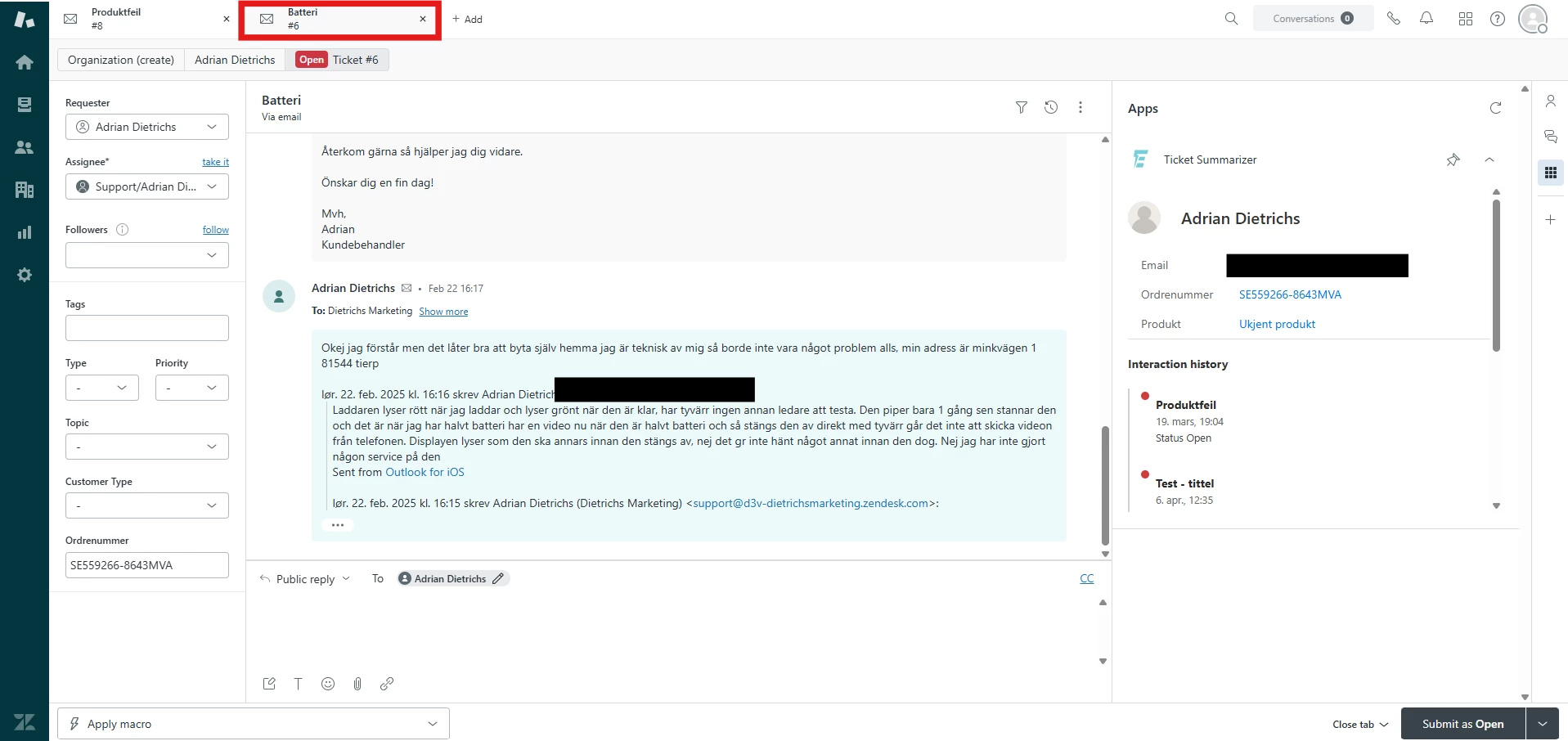
Now I have linked to the other tickets in the interaction history, but when the user clicks on the links to the tickets, it opens in a new browser tab.

Like this:


I want it to open like this:
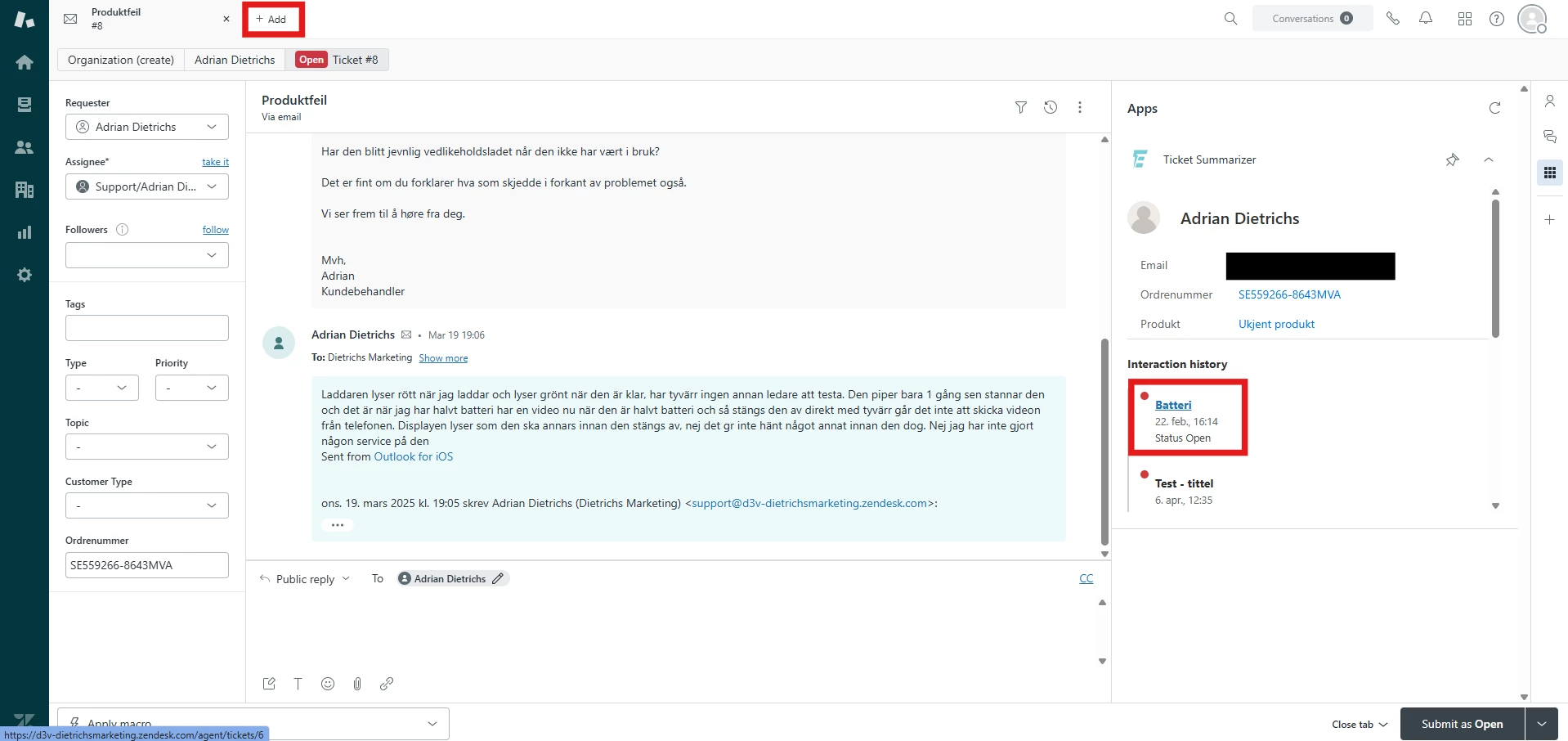


Whats the code for this?
 

Thanks for help in advance!

Best answer by Erica

Hi Adrian, 
 
If you haven't checked it out already, you can use routeTo to open a ticket in a new ticket tab.

3 replies

Erica
  • Employee
  • Answer
  • June 2, 2025
Hi Adrian, 
 
If you haven't checked it out already, you can use routeTo to open a ticket in a new ticket tab.

  • Newcomer
  • May 23, 2026

Hi Adrian,,

I couldn't find anything that fixed it the way I wanted, so I ended up building a small Safari extension for myself: it keeps Zendesk links opening in the *same* tab instead of spawning new ones. No setup beyond enabling it, no account, nothing tracked — it just quietly keeps things tidy while you work your queue.

It started as a personal fix, but a few people I work with asked for it, so I cleaned it up and put it on the Mac App Store: https://apps.apple.com/us/app/single-tab-for-zendesk/id6768462341?mt=12


  • Newcomer
  • June 4, 2026

The app that automatically moves new tabs in Safari to the current Zendesk tab is available on the Mac App Store now. 


https://apps.apple.com/us/app/single-tab-for-zendesk/id6768462341?mt=12