Editing 'Description shown to end users' for Description field per ticket form | The place for Zendesk users to come together and share
Skip to main content
Question

Editing 'Description shown to end users' for Description field per ticket form

  • December 30, 2020
  • 46 replies
  • 3 views

Hello, 
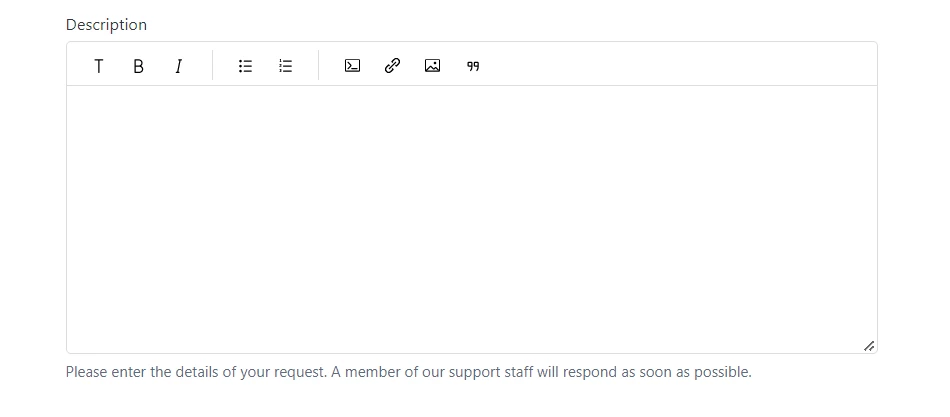
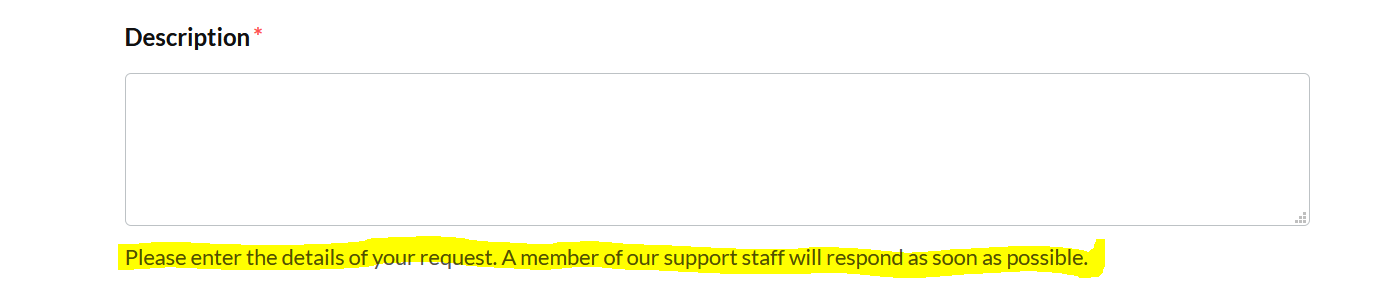
I would like to be able to change the 'Description shown to end users' for the mandated Description field per ticket form. 

For instance, I would like Ticket Form 'X' to have the Description field read: "Please submit the details regarding 'X' here"

and for Ticket Form 'Y' to read: "Please enter all data pertaining to 'Y' in the above box"

I would like to accomplish this without creating a specific 'description' field for each form. 
I have used the Guide Admin to auto populate and hide these fields (Subject & Description)on some forms before so I assume that this is possible. 
Thank you in advance for any recommendations! 

46 replies

  • Author
  • December 30, 2020

I have found this on how to change the title of the field. 
But not the description like I am seeking. 

$('label[for=request_subject]').html("Custom Subject");
$('label[for=request_description]').html("Custom Description");

Ifra
  • December 31, 2020

Hi Jonathan,

So you can check Ticket ID and change the description like:

 $(document).ready(function (){
// Ticket X
if(window.location.href.indexOf('2999') > -1){ // 2999 is the ticket id which you would get from your window location (Searchbar)
$("#request_description_hint").html('Custom description for read');
}

// Ticket Y

if(window.location.href.indexOf('3999') > -1){ // 3999 is the ticket id which you would get from your window location (Searchbar)
$("#request_description_hint").html('Custom description for read');
}
})

Reference from:  https://stackoverflow.com/questions/43784700/javascript-using-if-statement-for-multiple-conditions-vs-switch-case

Team


  • Author
  • December 31, 2020

Thank you so much !!!


  • Author
  • February 25, 2021

Hello Ifra, 

I would now like to edit my subjects hint field, I tried following the same convention as above and replacing 'description' with 'subject' but that did not work. 
Do you know how to do this? 


  • Employee
  • March 16, 2021

Hi Jonathan,

Looks like this question is answered by one of our community moderators in this post: https://support.zendesk.com/hc/en-us/community/posts/360037440134-How-to-change-the-name-of-the-subject-field-in-the-ticket-forms-.

Best,

Michael Froeming | Senior Customer Advocacy Specialist

NEW - Zendesk offers free, on-demand training for all of our products. Set up your account and start learning today at training.zendesk.com


raphael12
  • February 25, 2022

It took me a lot of time to figure out the right way to input a different description for the description field than the original one so I put it here. (can be useful for those that have several brands and want to put a different description for each brand. Has to be put in new_request_page

<script>
    $("#request_description_hint").html (' <div class="hero-headline"> {{dc 'footer__cc-tel'}} </div>');

</script>


  • August 16, 2022

@ifra Your code works but I realized that when I try to submit a ticket but forgot to enter one of the required fields in the form, the hint disappears. Is there a way to retain the custom hint for the specific form when the fail message comes up? Thanks!


Ifra
  • August 17, 2022

Hi Noelle Cheng,

Use the given code:

 $(document).ready(function () {
     if ($("a.nesty-input").text() === 'Form One') {
       $("#request_description_hint").html('Custom description for read X');
     }
   
     if ($("a.nesty-input").text() === 'Form Two') {
        $("#request_description_hint").html('Custom description for read Y');
     }
   
    if ($("a.nesty-input").text() === 'Form Three') {
        $("#request_description_hint").html('Custom description for read Z');
     }
})


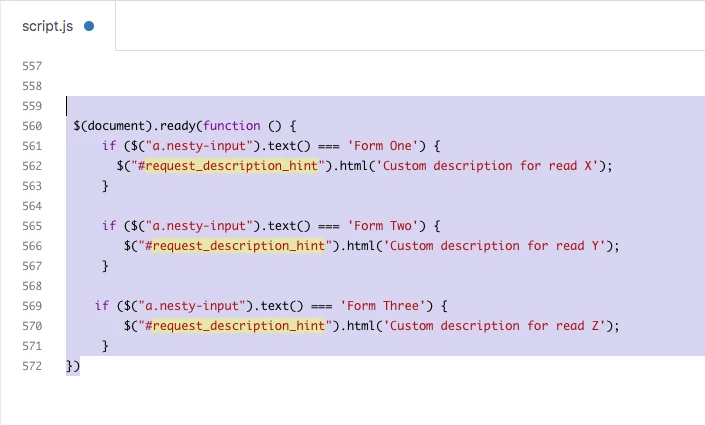
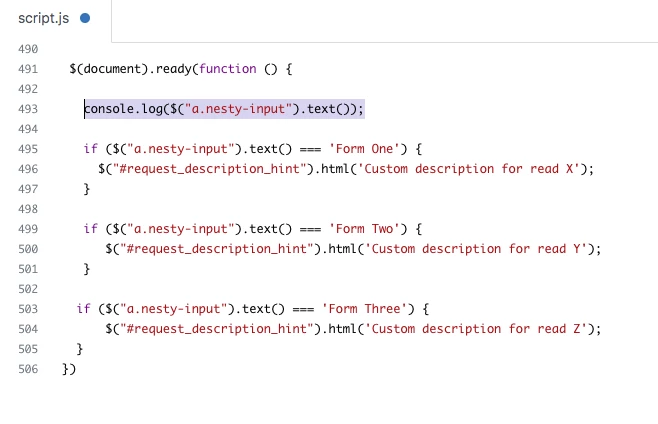
Screenshot for the same:


Check the Form Name in the nesty input field and then copy the form name, paste inside the script code in if() condition.


Form One - if ($("a.nesty-input").text() === 'Form One') {


Form Two - if ($("a.nesty-input").text() === 'Form Two') {


Thanks


  • August 17, 2022

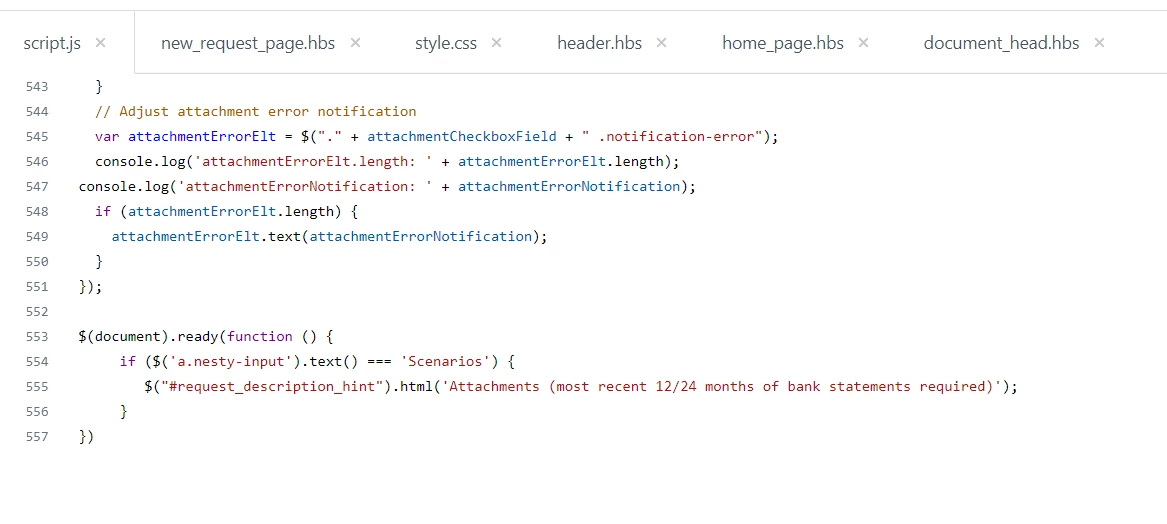
Hi @ifra I put this in and for some reason it's not working now? I actually had this in new_request_page.hbs and moved it to the script.js.

But I'm running on Copenhagen Theme version 2.15.0 Templating API v2. I also have the the following in document_head.hbs

<script src="https://code.jquery.com/jquery-3.6.0.min.js" integrity="sha256-/xUj+3OJU5yExlq6GSYGSHk7tPXikynS7ogEvDej/m4=" crossorigin="anonymous"></script>


Ifra
  • August 18, 2022

Hi Noelle Cheng, it's working for me in Copenhagen V2.15.0.


Can you check your console in dev tool?,

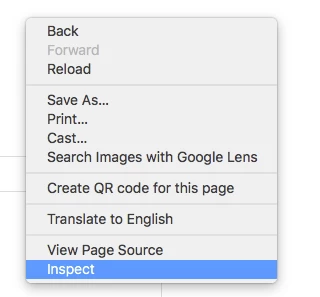
i). Go to your new_request page. Right click of your mouse.

ii). Open Inspect in the opened list.


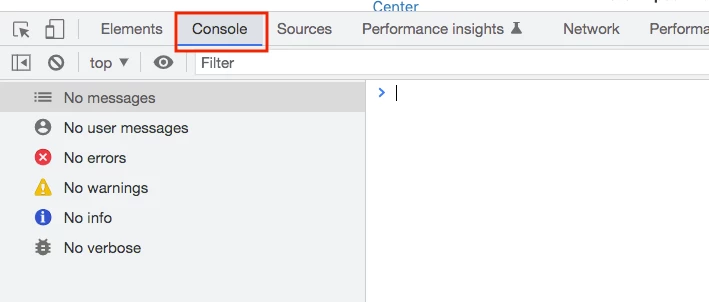
iii). And the, click Console in the dev tool.


iv). Is there any error ?


OR


You can share your HC URL of new-request template here?, so I can see the bug.


  • August 19, 2022

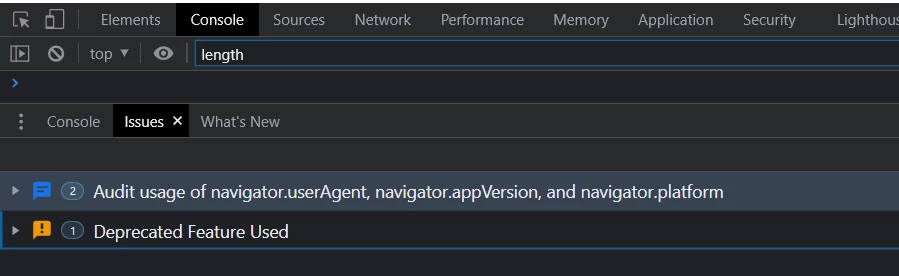
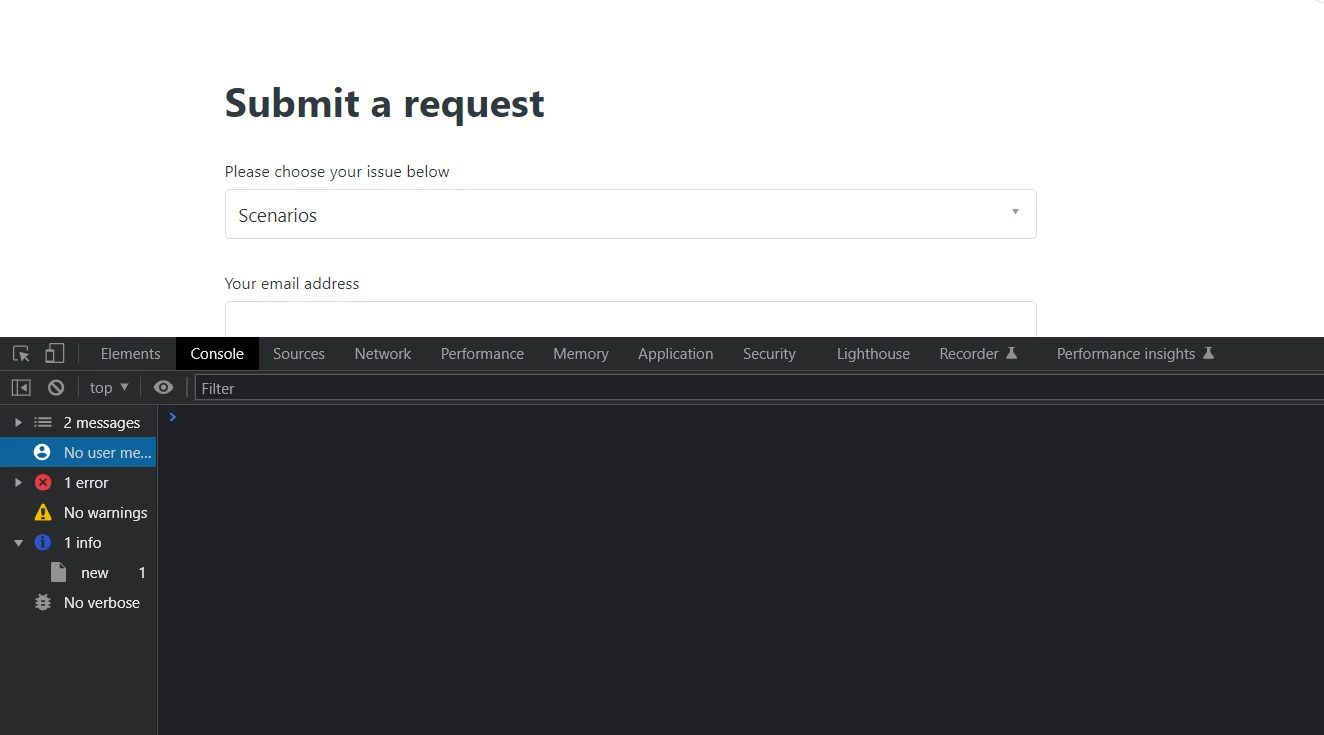
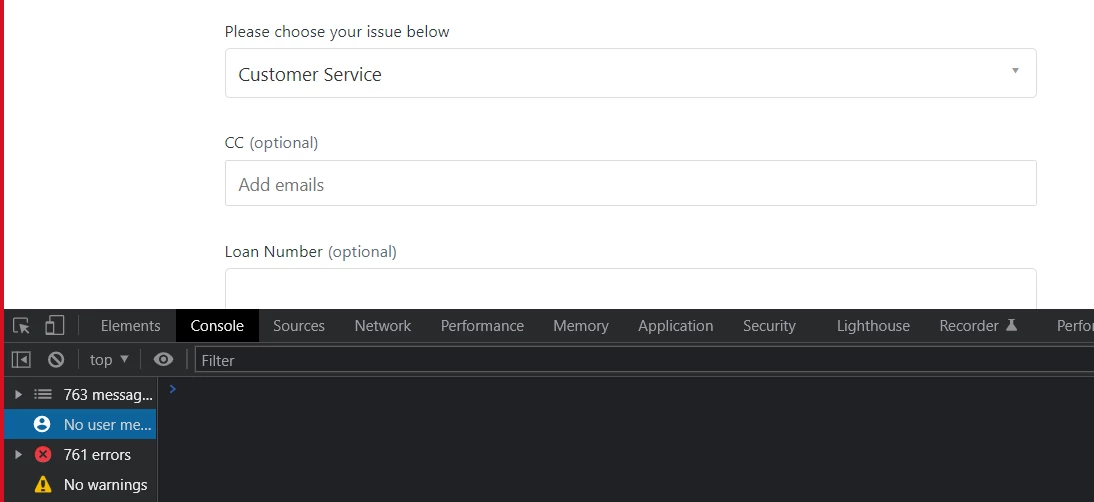
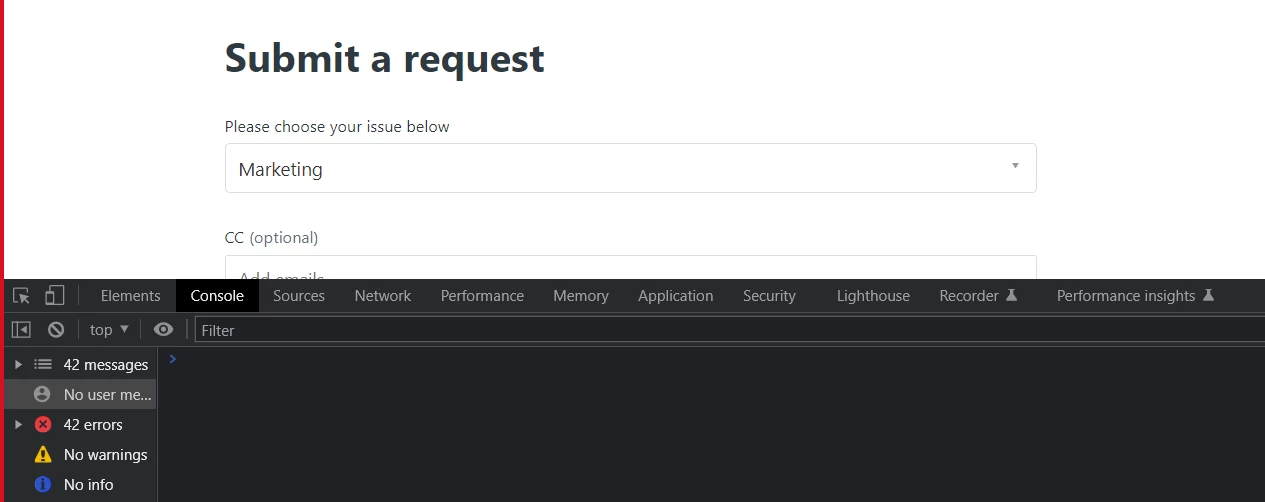
hi @ifra, so the code is in script.js. I went to the new request page and selected the form that should have the hint. This is the what I see for errors.


Ifra
  • August 19, 2022

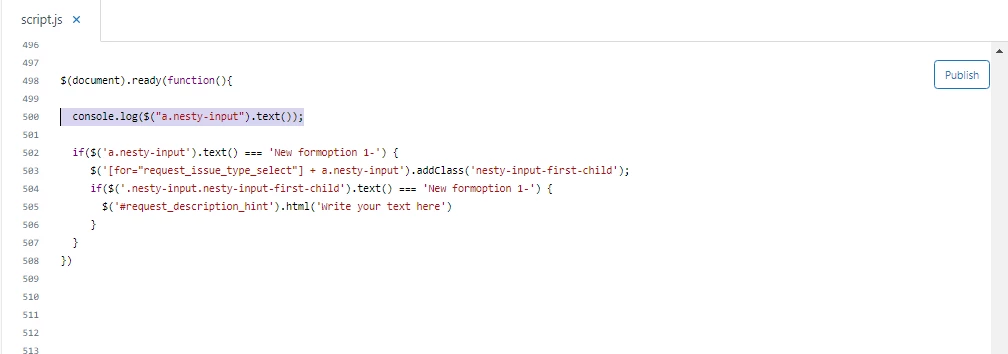
Hey Noelle Cheng, do one thing, go to your script code which I have provided above and add one more single line of code.

 console.log($("a.nesty-input").text());


Screenshot for the same:-


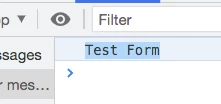
Now, form's full name would be shown in the console in dev tool.

Ex.


Copy the form's name from the console; Test Form


and, then paste in the script code. Remove Form One, paste Test Form


I did this because I noticed one thing; my form name is IIT Forms but console shows this:-


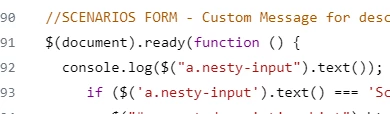
And, the code snippet should be add at the end of your script.js file not at the middle. 


Try this and let me know if any issue :)


  • August 23, 2022

Hi @ifra!


I completely missed your message on the 18th, sorry! I just added the line and it's not showing the form name. :(


Ifra
  • August 23, 2022

Hey Noelle Cheng, are you able to share your HC URL here?


  • August 23, 2022

Hi @ifra , would I be able to send it in a private message instead?


Ifra
  • August 23, 2022

You can share on my email id(check my Zendesk profile) or here. It's up to you.


  • August 23, 2022

Hi @ifra I just sent you the email with my helpcenter address. Thank you so much!


Ifra
  • August 23, 2022

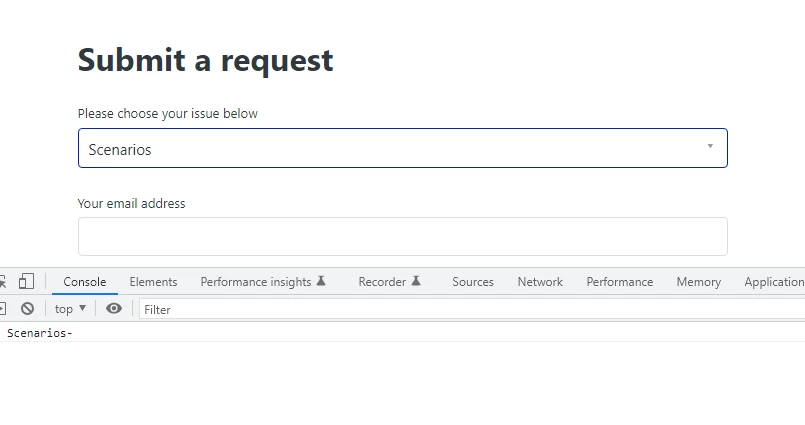
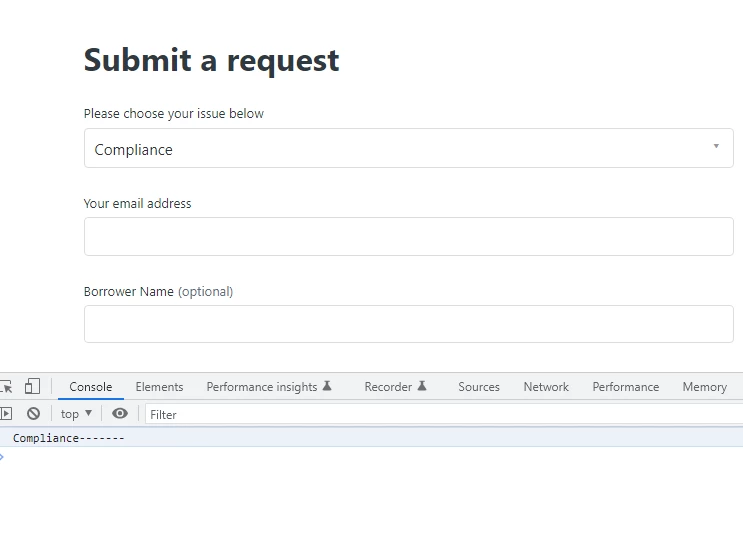
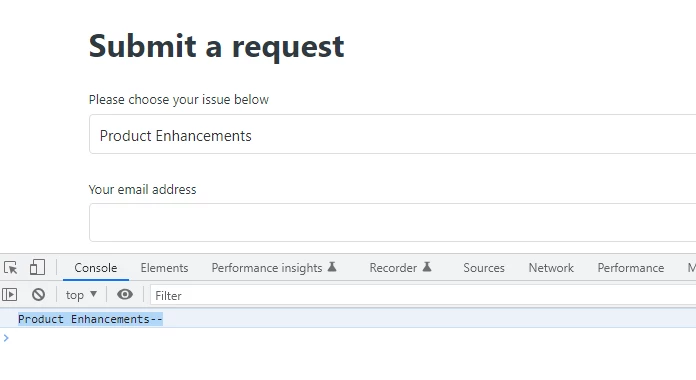
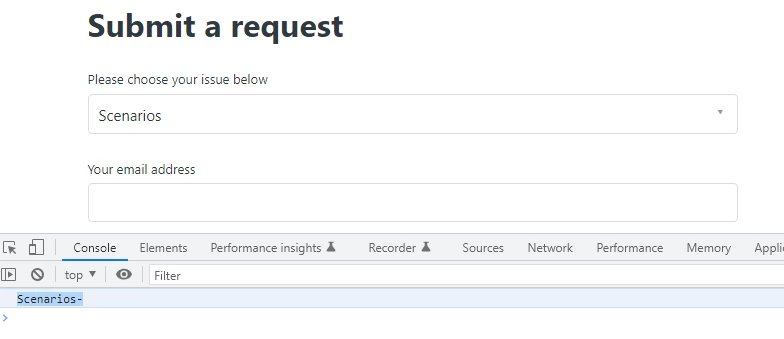
Noelle Cheng, I saw your  new-request page and the code I provided to you is working as expected. Console shows the full name of forms :-


1st form is:- See the name, in the console and dropdown bar, is different.


2nd form is:- See the name, in the console and dropdown bar, is different.


3rd form is: See the name, in the console and dropdown bar, is different.


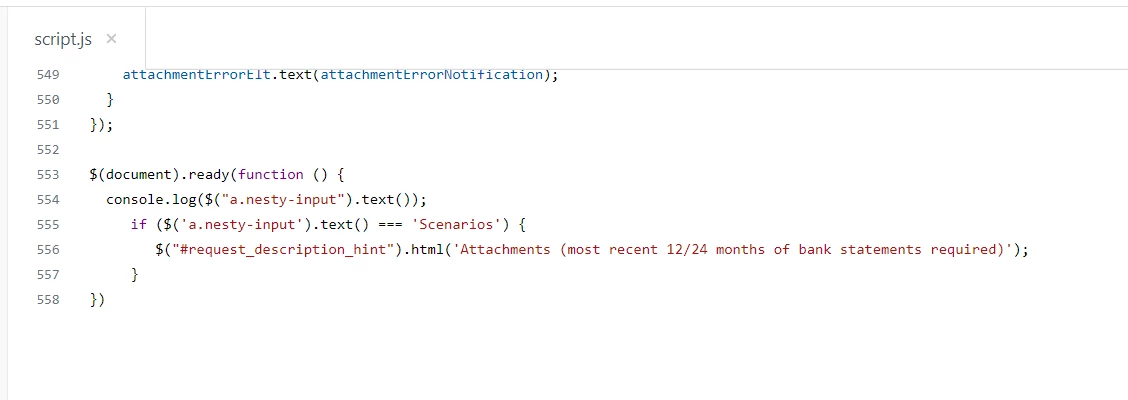
Currently, code has the name of form is Scenarios

if ($('a.nesty-input').text() === 'Scenarios') {


It should be Scenarios-

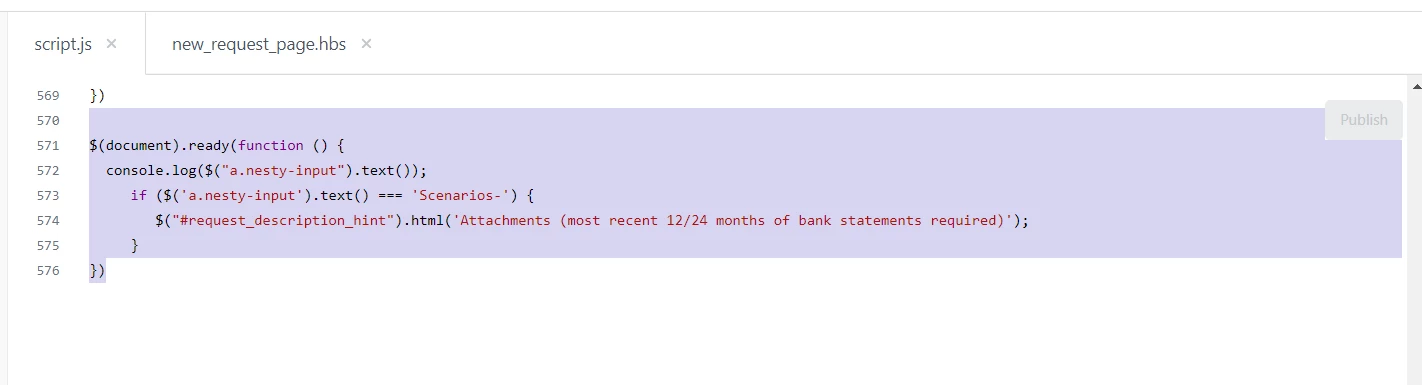
if ($('a.nesty-input').text() === 'Scenarios-') {


 because console shows Scenarios-


  • August 25, 2022

Hi @ifra

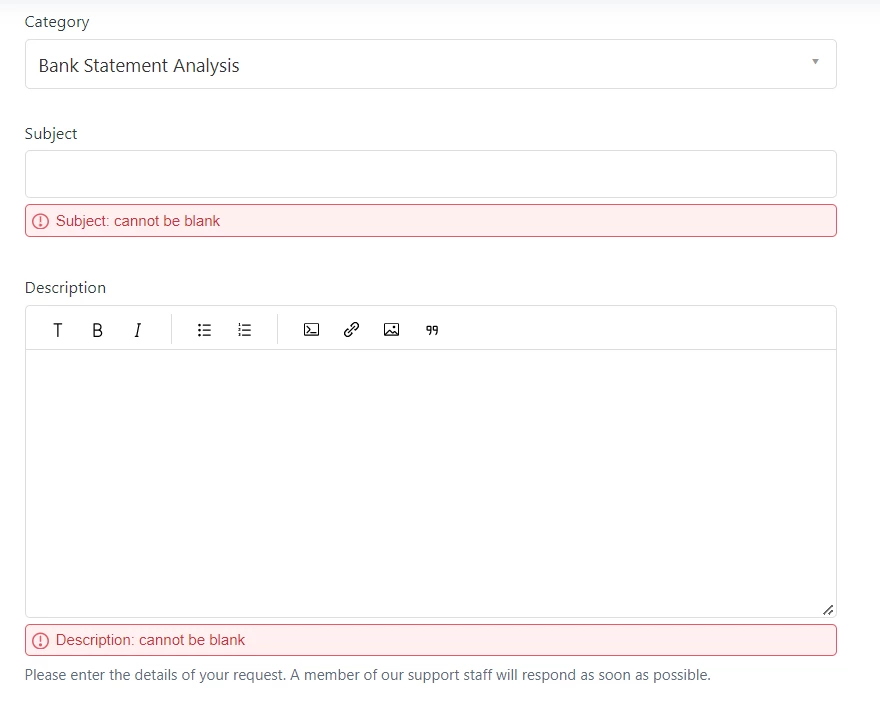
I updated the code to reflect the "-" and something weird is happening. So if i submit the form with nothing filled out then I am seeing what I'd expect to see.

BUT when I select one of my options for the Category dropdown field that I have requiring an attachment, for some reason the Description note does not stick.

This is the code in the script.js. I don't have it in the new_request_page.hbs anymore.


Ifra
  • August 26, 2022

So, update the query selector in the script code:

Current:

if ($('a.nesty-input').text() === 'Scenarios-') {


Updated:

if ($('[for="request_issue_type_select"] + a.nesty-input').text() === 'Scenarios-') {


If any bug in that type then use this code snippet and remove previous:

$(document).ready(function(){
  if($('a.nesty-input').text() === 'Scenarios-') {
     $('[for="request_issue_type_select"] + a.nesty-input').addClass('nesty-input-first-child');
    
     if($('.nesty-input.nesty-input-first-child').text() === 'Scenarios-') {
       $('#request_description_hint').html('Write your text here')
     }
  }
})

  • October 20, 2022

hi @ifra can you tell me how you viewed the form name in Console dev tools. I'm not able to see it pop up when i select the form, the form name does not show up in console. I created new brands and moved some forms but the scripts aren't working now so I think I need to check on the form name. Thanks!


Ifra
  • October 20, 2022

Hi Noelle Cheng

Add the console.log() before if condition.

$(document).ready(function(){

  console.log($("a.nesty-input").text());

  if($('a.nesty-input').text() === 'Scenarios-') {
     $('[for="request_issue_type_select"] + a.nesty-input').addClass('nesty-input-first-child');
    
     if($('.nesty-input.nesty-input-first-child').text() === 'Scenarios-') {
       $('#request_description_hint').html('Write your text here')
     }
  }
})


Now check the console in dev.


  • October 20, 2022

Hi @ifra,

Looks like I had that in there but I still can't see it. :(


Ifra
  • October 21, 2022

Hi Noelle Cheng,


Use this code:

$(document).ready(function() {
  console.log($("a.nesty-input").text());

if($('a.nesty-input').text() === 'Scenarios-') {
       $('p#request_description_hint').text('Write your text here')
  }
})

  • October 24, 2022

Hi Ifra,

That didn't work either. :(